Account settings
Your name, username, email address, language, product news and showcase consent.
Updated October 17, 2026
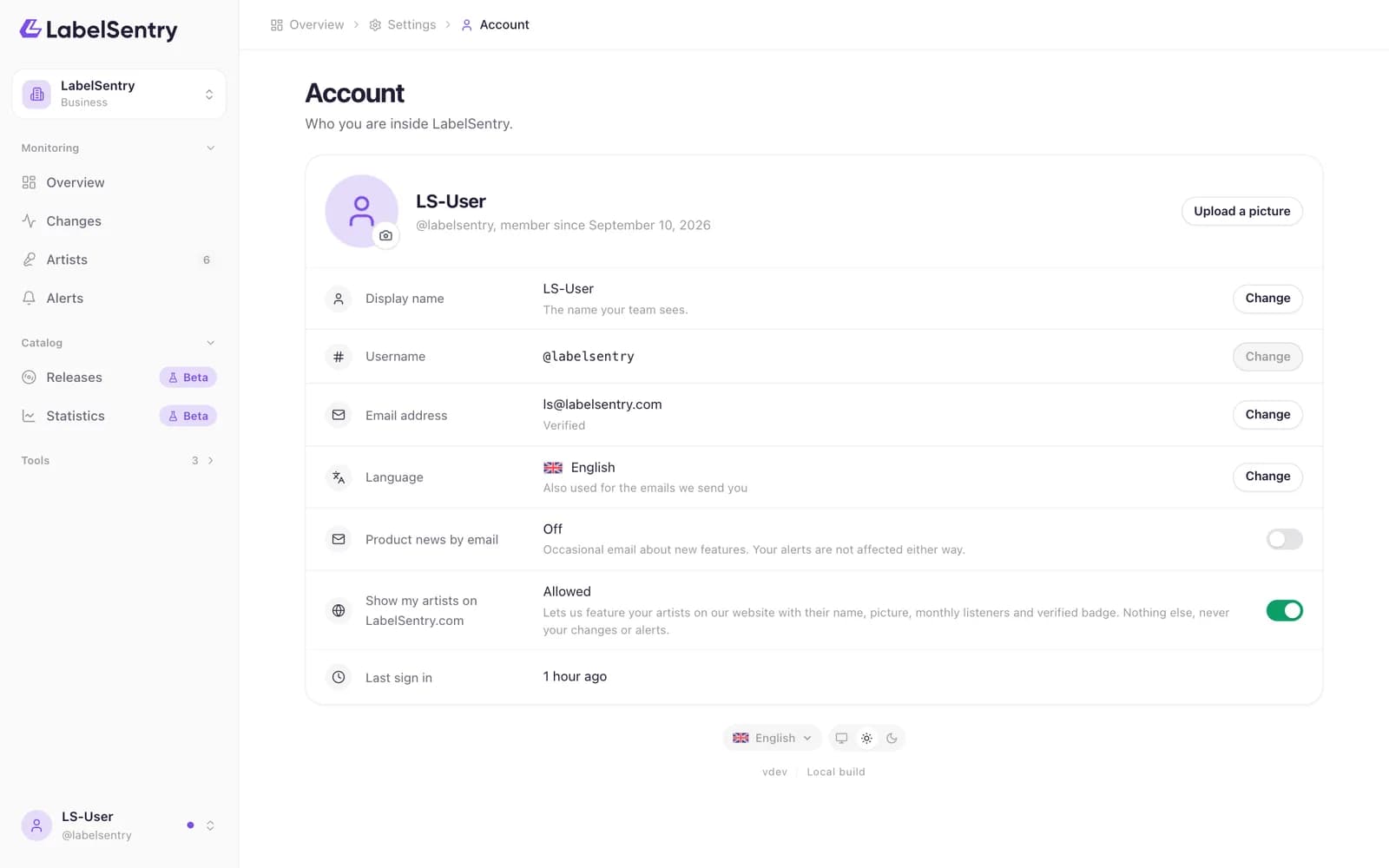
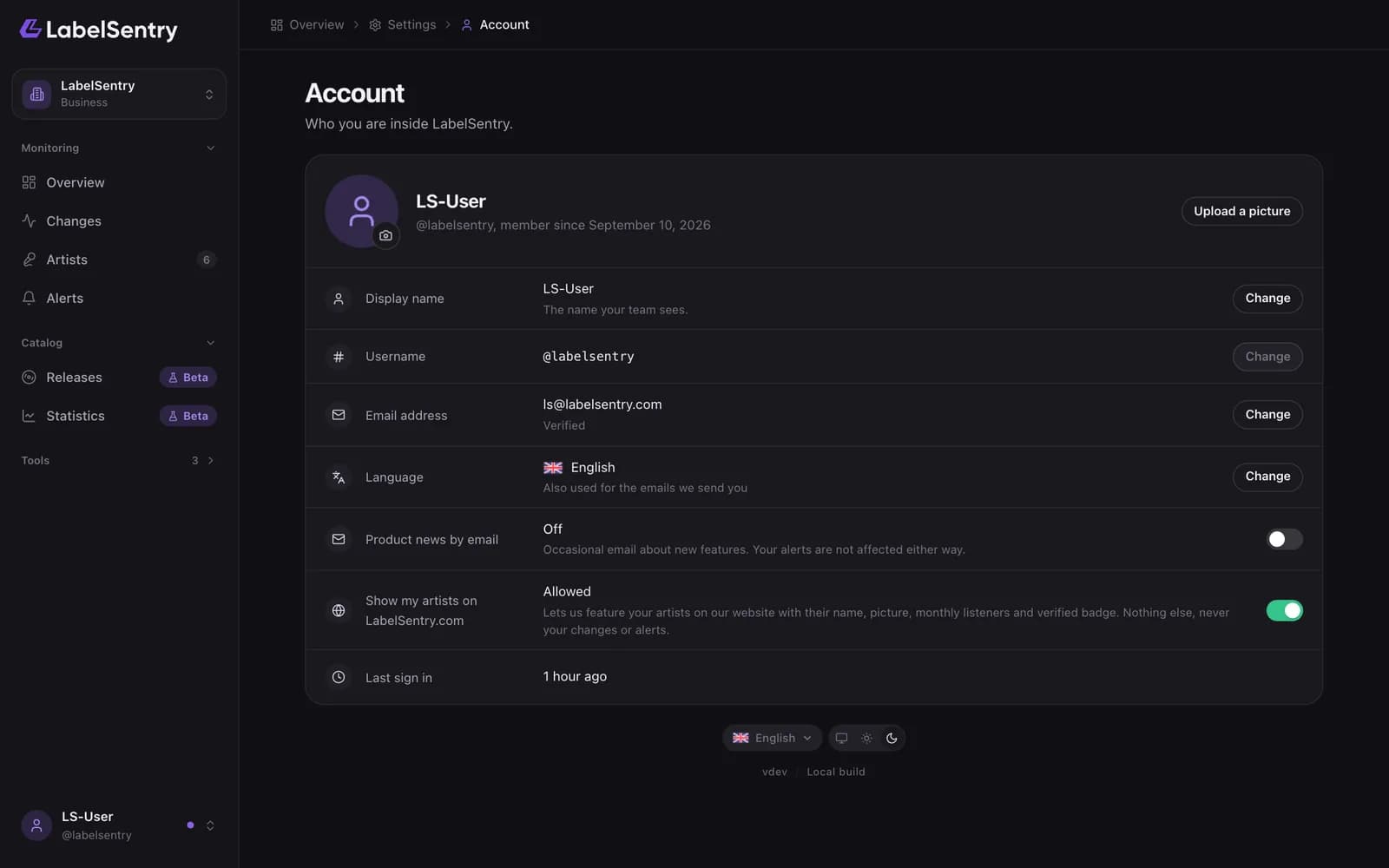
Open the menu under your name and choose Account.
- Name. How colleagues see you.
- Username. Chosen when you signed up. It cannot be changed, because your organization's address is built from it.
- Email. Changing it asks for your password and sends a confirmation link to the new address.
- Language. For the dashboard and the emails we send you. You can also switch it at the foot of every page.
- Product news. Whether we may email you about new features. Service notices, like changes to our terms, are sent either way.
- Showcase. Whether your artists may appear on LabelSentry.com. See The showcase.
Read next
PasswordsA password is optional. Set your first one, change it, or reset it when you forgot it.Two-factor sign-inProtect your account with a code from an authenticator app, and keep recovery codes for when the phone is gone.Export your data or delete your accountDownload everything we hold about you, or delete your account with three days to change your mind. Both are under Security.
Still stuck? Write to [email protected].