ISRC by Track
Paste a Spotify track or album address and get the ISRC of the track, or of every track on the album.
Updated October 17, 2026
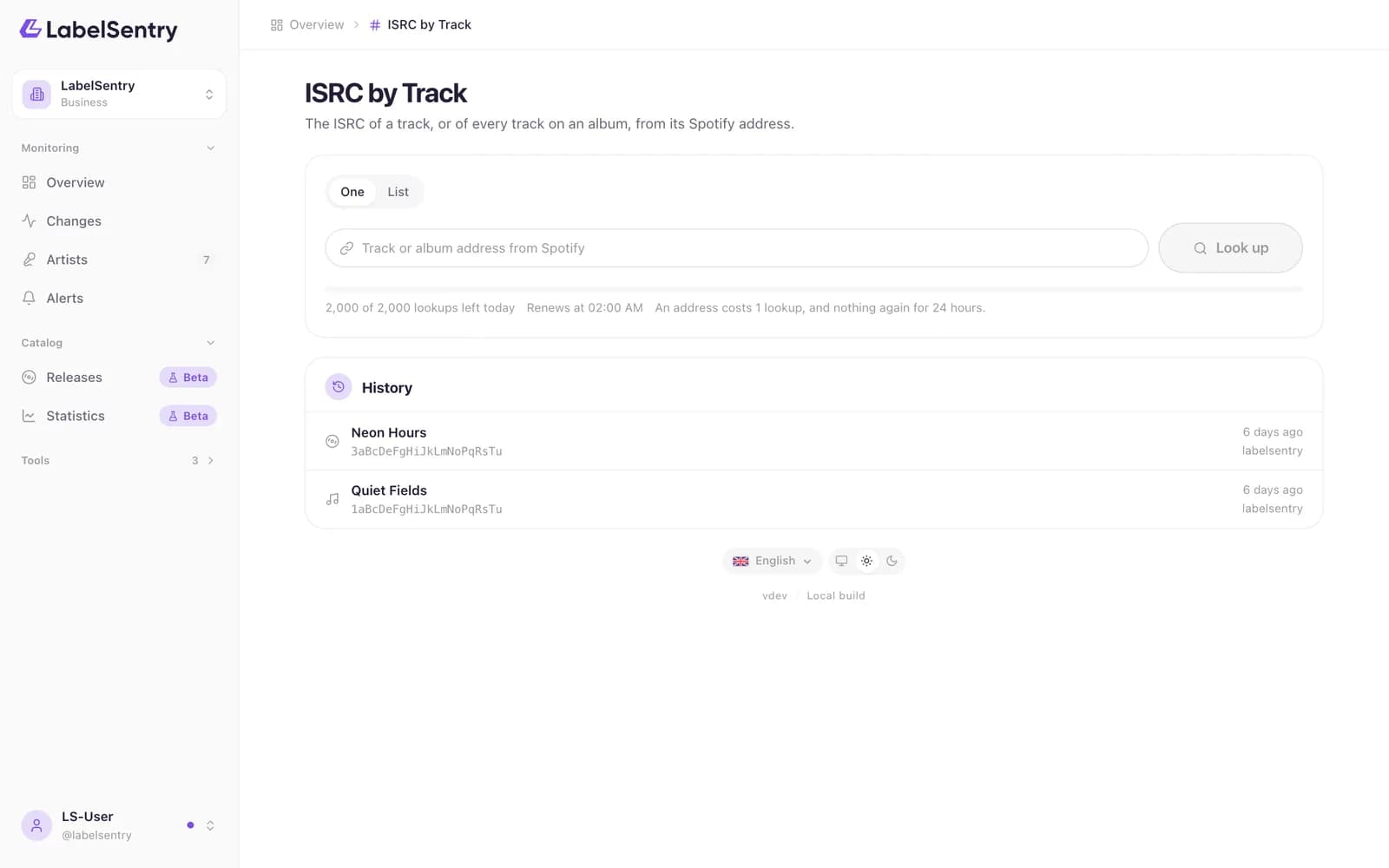
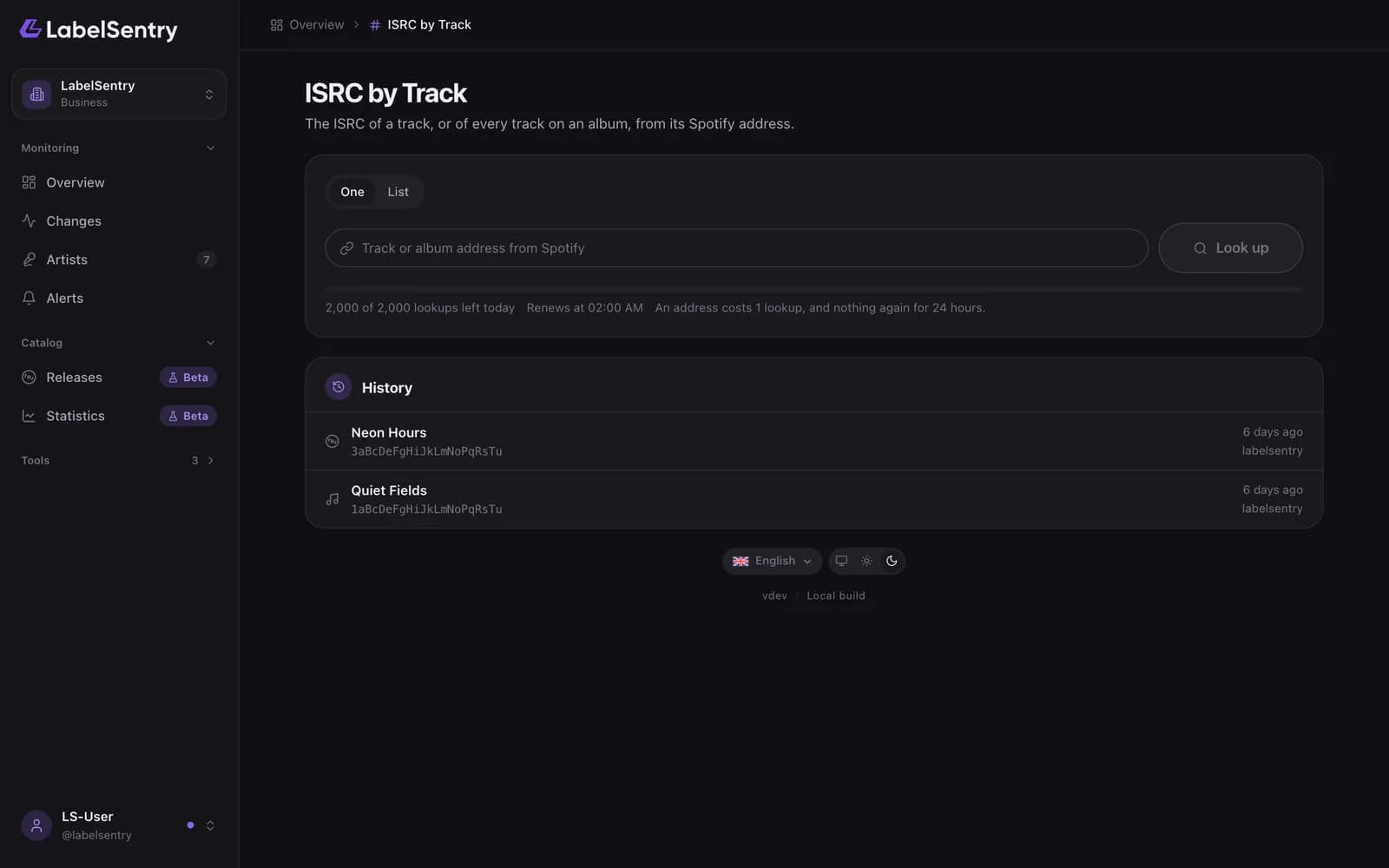
- Open Tools and choose ISRC by Track.
- Paste a Spotify address, for example
open.spotify.com/track/1aBcDeFgHiJkLmNoPqRsTuor an album address. - Choose the lookup. For an album you get every track with its number, title and ISRC.
An address costs 1 lookup, and nothing again for 24 hours. Your history keeps every lookup, so you can open a result again without paying for it.
Lists
On Pro and Business, switch to List and paste one address per line, or choose a text or CSV file: up to 50 rows on Pro and 500 on Business. Export CSV saves the results, from the Artist plan on.
Read next
Track by ISRCEnter an ISRC and see every place it turns up on Spotify, with the artist, the release and whether it is online.Metadata LookupEverything behind a track or album address: ISRC, UPC, label, copyright lines, plays, length and the countries it is playable in.Tool limitsHow many lookups each plan includes per day, the wait between lookups, and what Lists, export and history add.
Still stuck? Write to [email protected].