Verify an artist
How confirming an artist works: a tick below one million monthly listeners, a code in the Spotify biography from one million on, and what happens when our team asks for the code.
Updated October 17, 2026
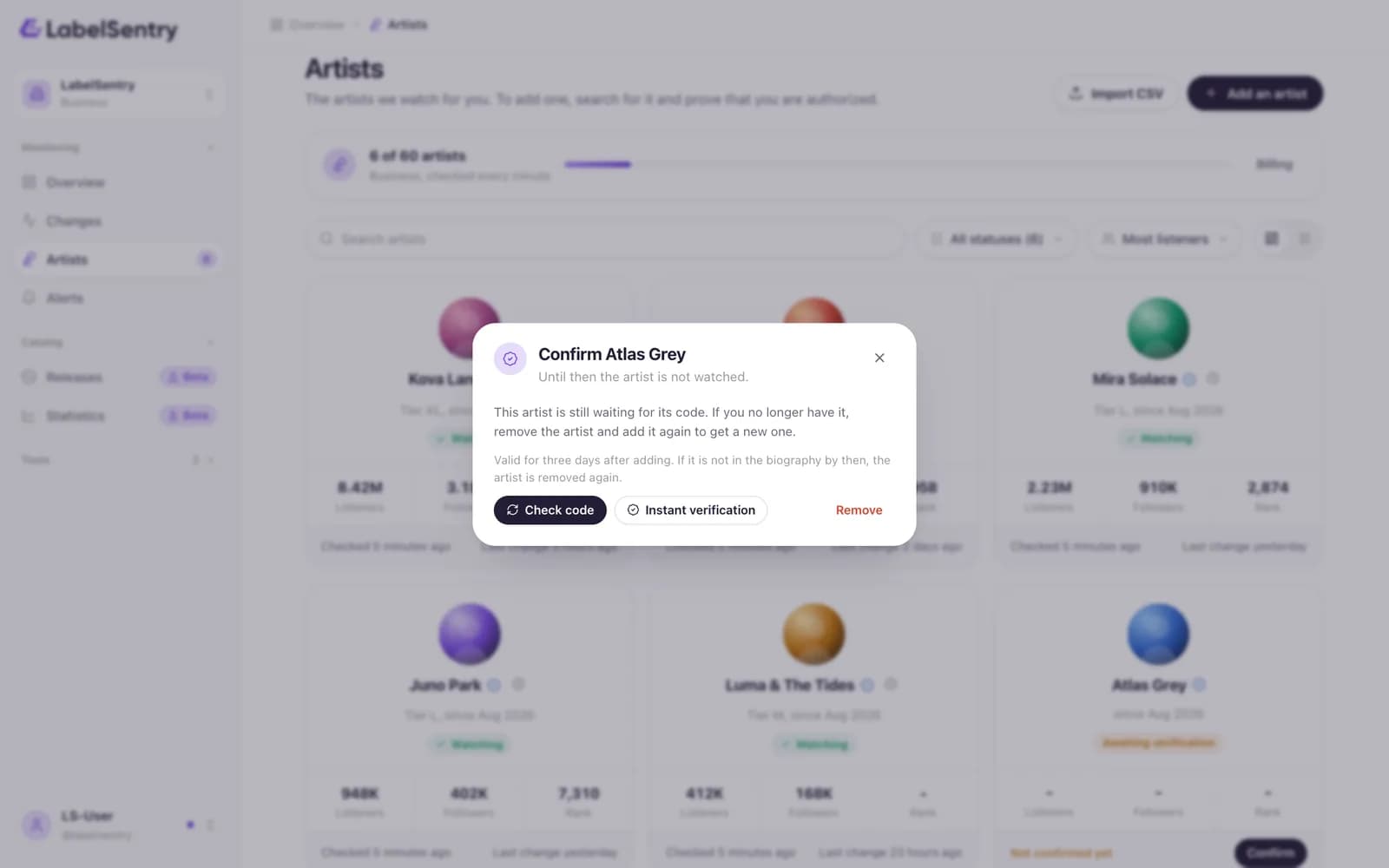
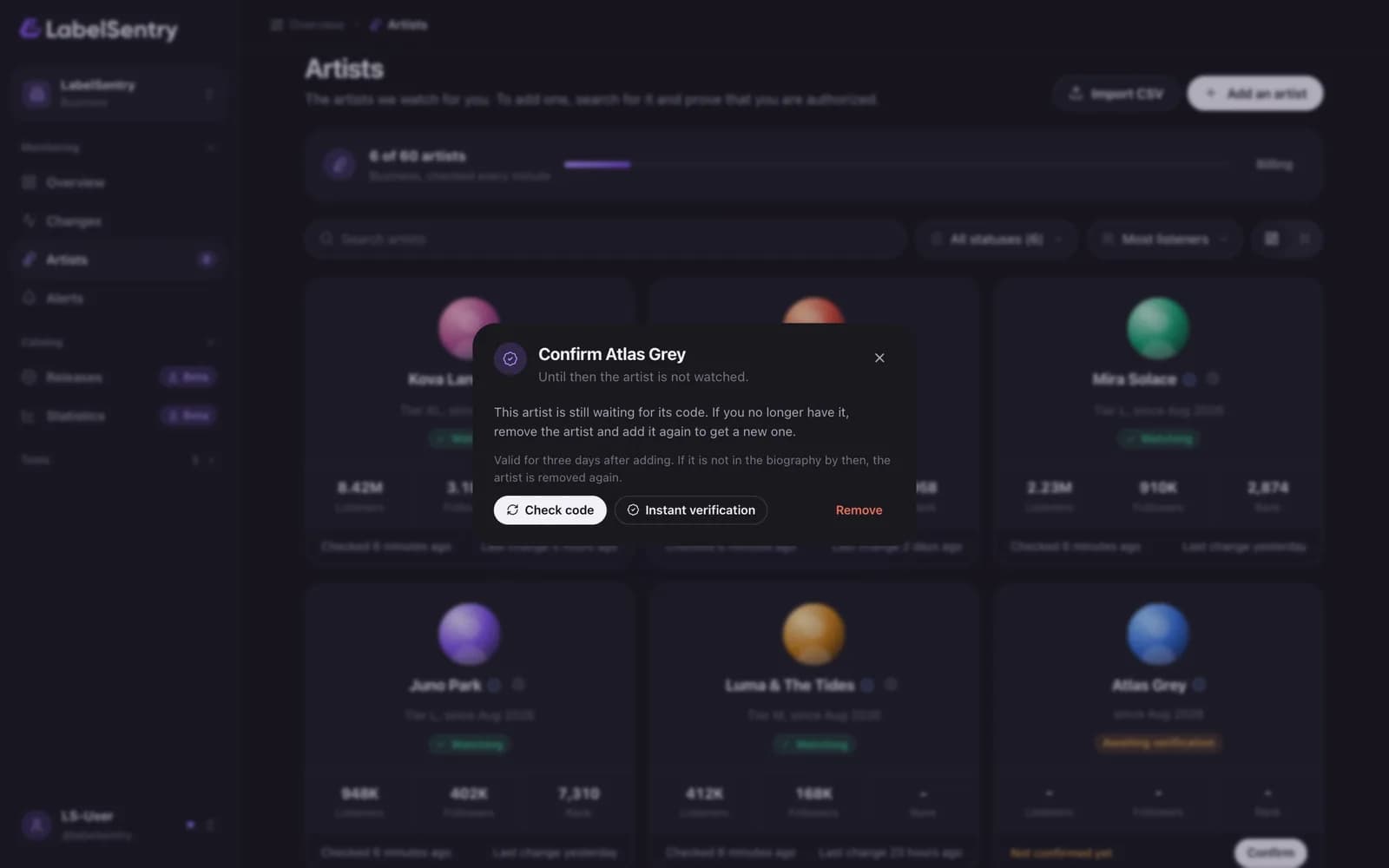
With a tick
Below one million monthly listeners, you confirm that you are the artist or authorized by them. We store that confirmation like a legal consent: who, when and from where. Monitoring starts at once.
With the code in the biography
From one million monthly listeners on, the artist is confirmed with a code.
- When you add the artist, LabelSentry shows a code like
LS-7KQ2. Copy it. - In Spotify for Artists, add the code anywhere in the artist's biography and save.
- LabelSentry checks the biography every few minutes. To check right away, open the artist's card and choose Check code.
- As soon as we find the code, the artist is verified and monitoring starts. You can remove the code from the biography again afterwards.
The code is valid for three days after adding. If it is not in the biography by then, the artist is removed again. Lost the code? Choose Remove and add the artist again to get a new one.
When our team asks for the code
We check at random and whenever something stands out, for example when another organization also claims the artist. Then:
- Monitoring of the artist pauses for your organization only. Others watching the same artist are not affected.
- You get an email with our reason, and the artist card shows it too.
- You have 7 days to put the code into the biography. After that we remove the artist from your organization.
Business: verify without a code
On Business, Instant verification confirms an artist without the code, and many artists can be imported from a spreadsheet. See Import artists.
Read next
Still stuck? Write to [email protected].