Track by ISRC
Enter an ISRC and see every place it turns up on Spotify, with the artist, the release and whether it is online.
Updated October 17, 2026
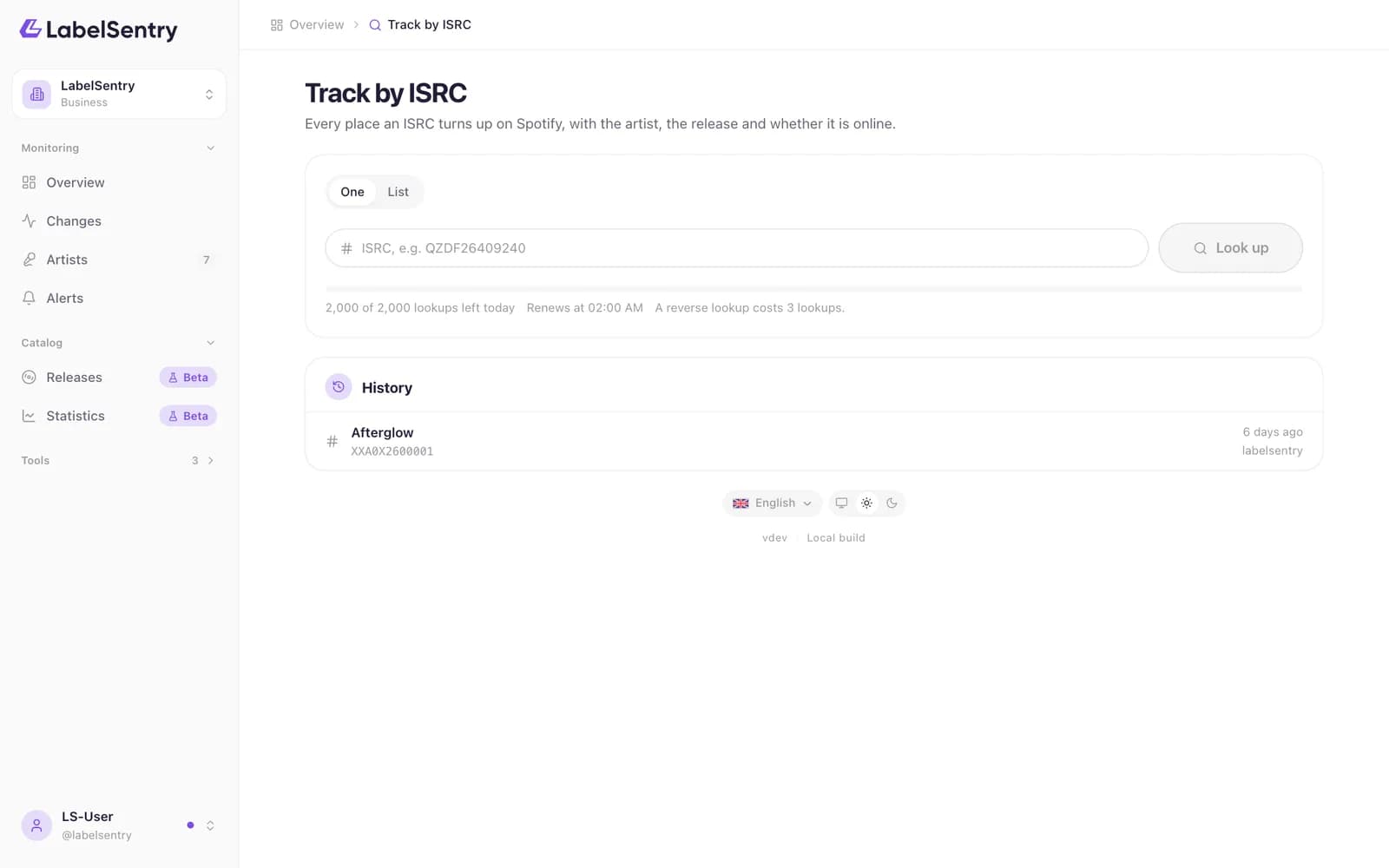
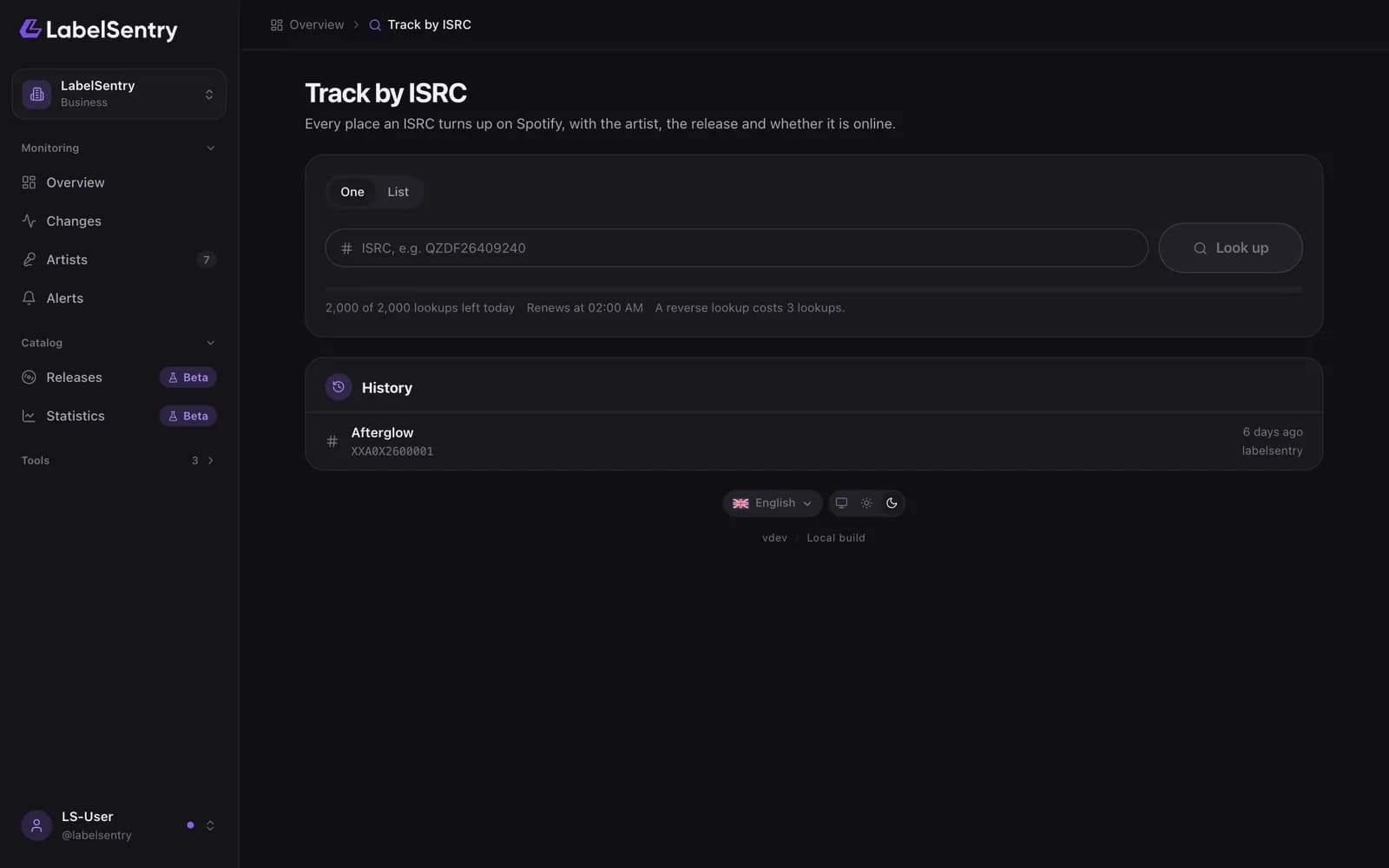
Track by ISRC finds every release on Spotify that uses a recording. That shows you when a song of yours turns up on a compilation, a sped-up version or a profile that is not yours.
- Open Tools and choose Track by ISRC.
- Enter the ISRC, for example
XXA0X2600001. - Each hit shows the track, the artist, the release and whether it is online. Hits on your own roster are marked.
A reverse lookup costs 3 lookups. It is part of every plan from Beginner on.
Read next
ISRC by TrackPaste a Spotify track or album address and get the ISRC of the track, or of every track on the album.Change typesEvery kind of change LabelSentry detects, from a release going offline to a new top city, and how serious each one is.Tool limitsHow many lookups each plan includes per day, the wait between lookups, and what Lists, export and history add.
Still stuck? Write to [email protected].