Two-factor sign-in
Protect your account with a code from an authenticator app, and keep recovery codes for when the phone is gone.
Updated October 17, 2026
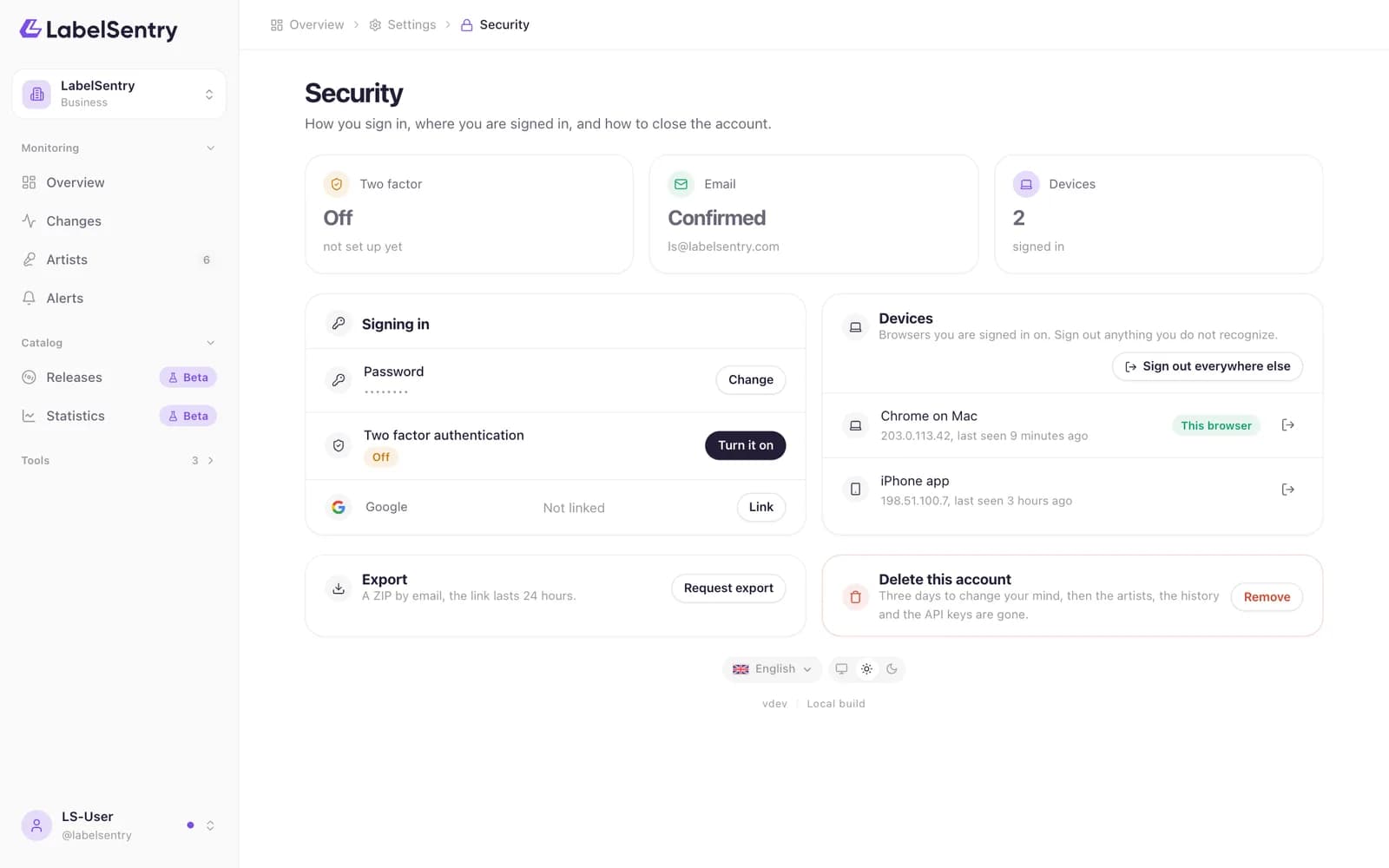
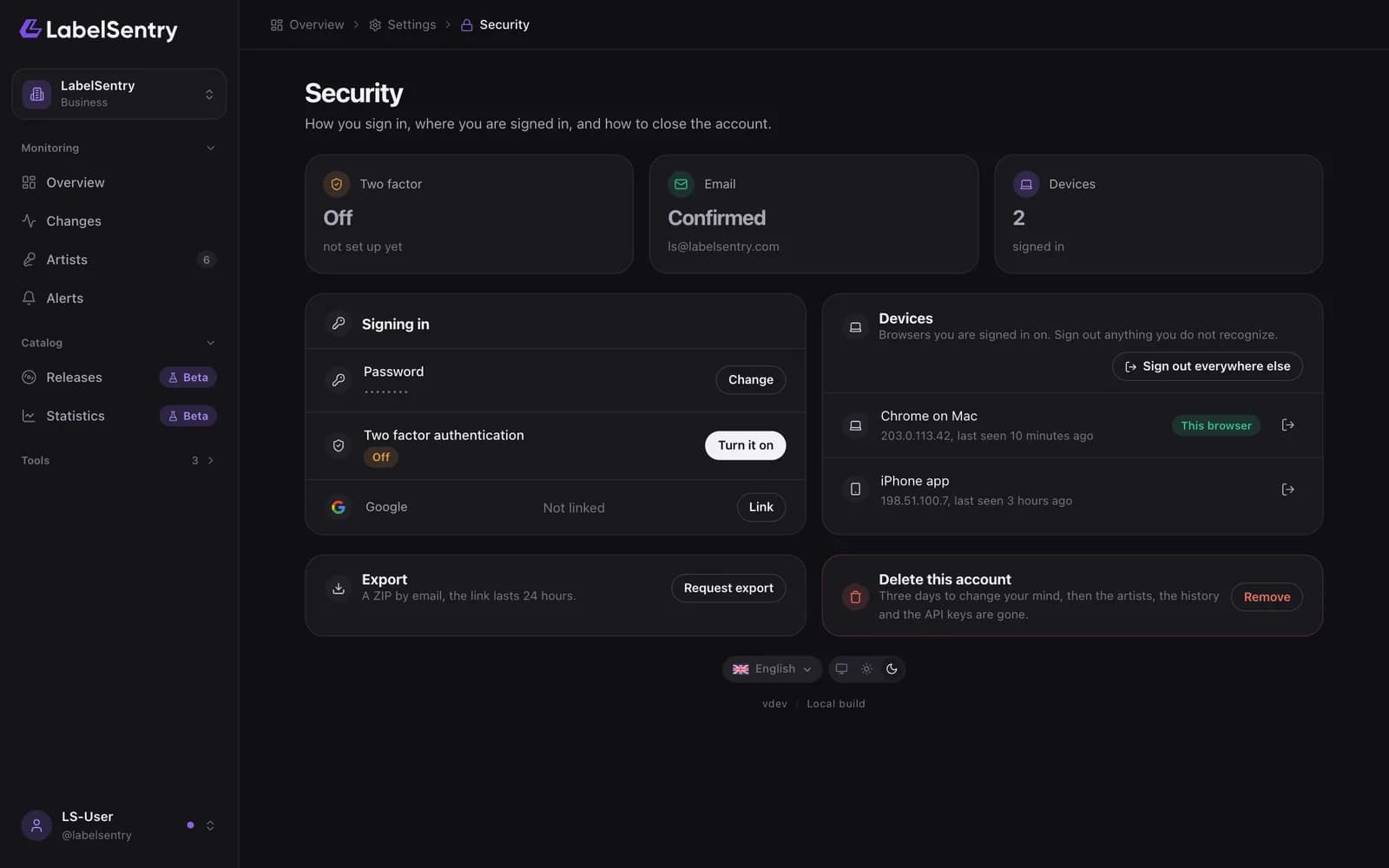
With two-factor sign-in, signing in needs a six-digit code from an app on your phone as well, such as 1Password, Google Authenticator or Authy.
Turn it on
- Open Security and choose Turn it on next to Two factor authentication.
- Scan the QR code with your authenticator app.
- Enter the code the app shows.
- Save the recovery codes somewhere safe. Each works once, instead of the app's code.
Lost your phone
Sign in with one of your recovery codes and set up two-factor sign-in again. Without phone and recovery codes, use Recover your account.
Read next
SessionsEvery browser and app signed in to your account, and how to sign them out.Recover your accountWhen neither a sign-in link nor a password reset reaches you, tell us what you know about your account. Our team checks every request by hand.Require two-factor sign-inOn Business, owners can require every member to use two-factor sign-in.
Still stuck? Write to [email protected].