API keys
Create keys for the REST API, see when each was last used and revoke them.
Updated October 17, 2026
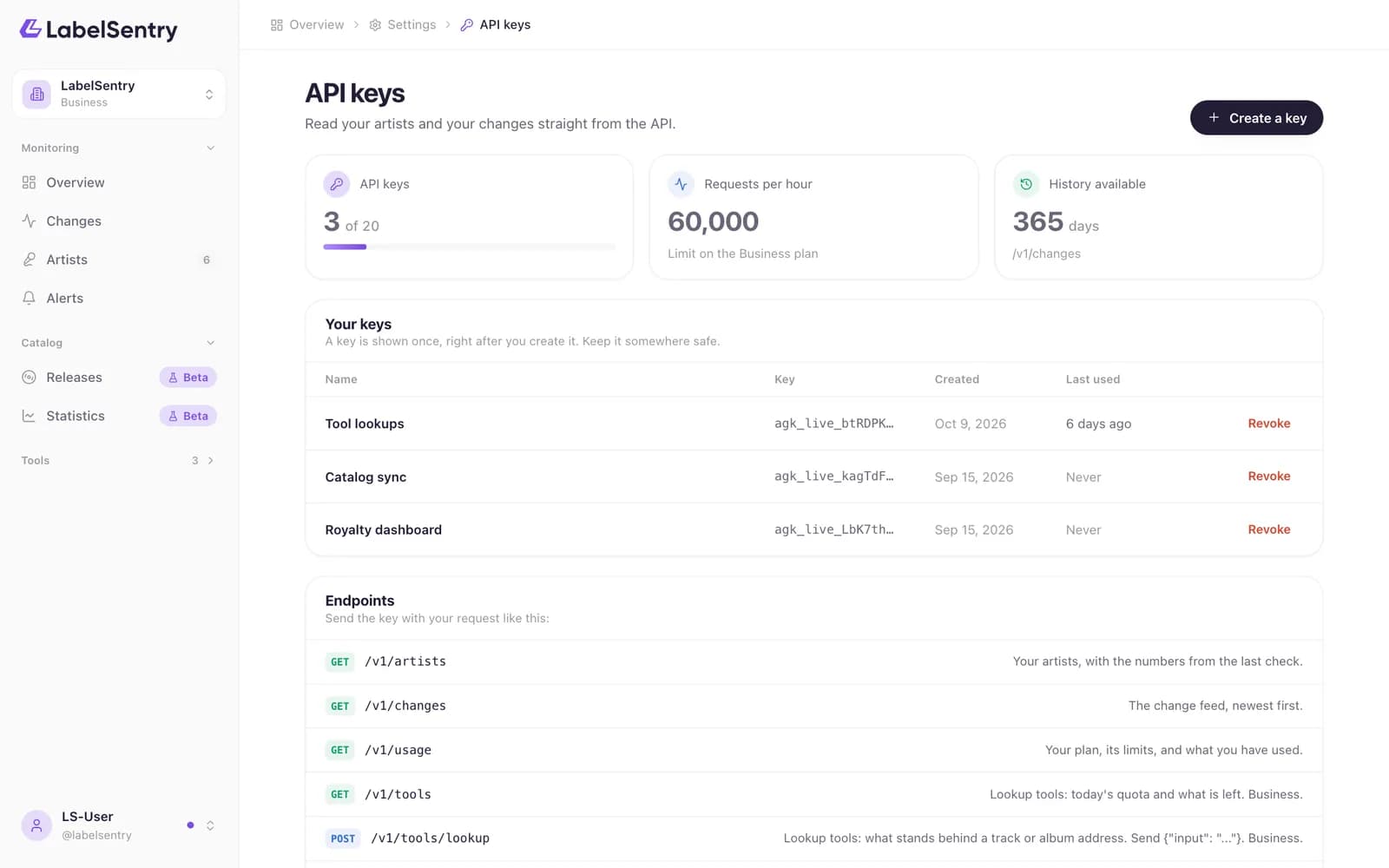
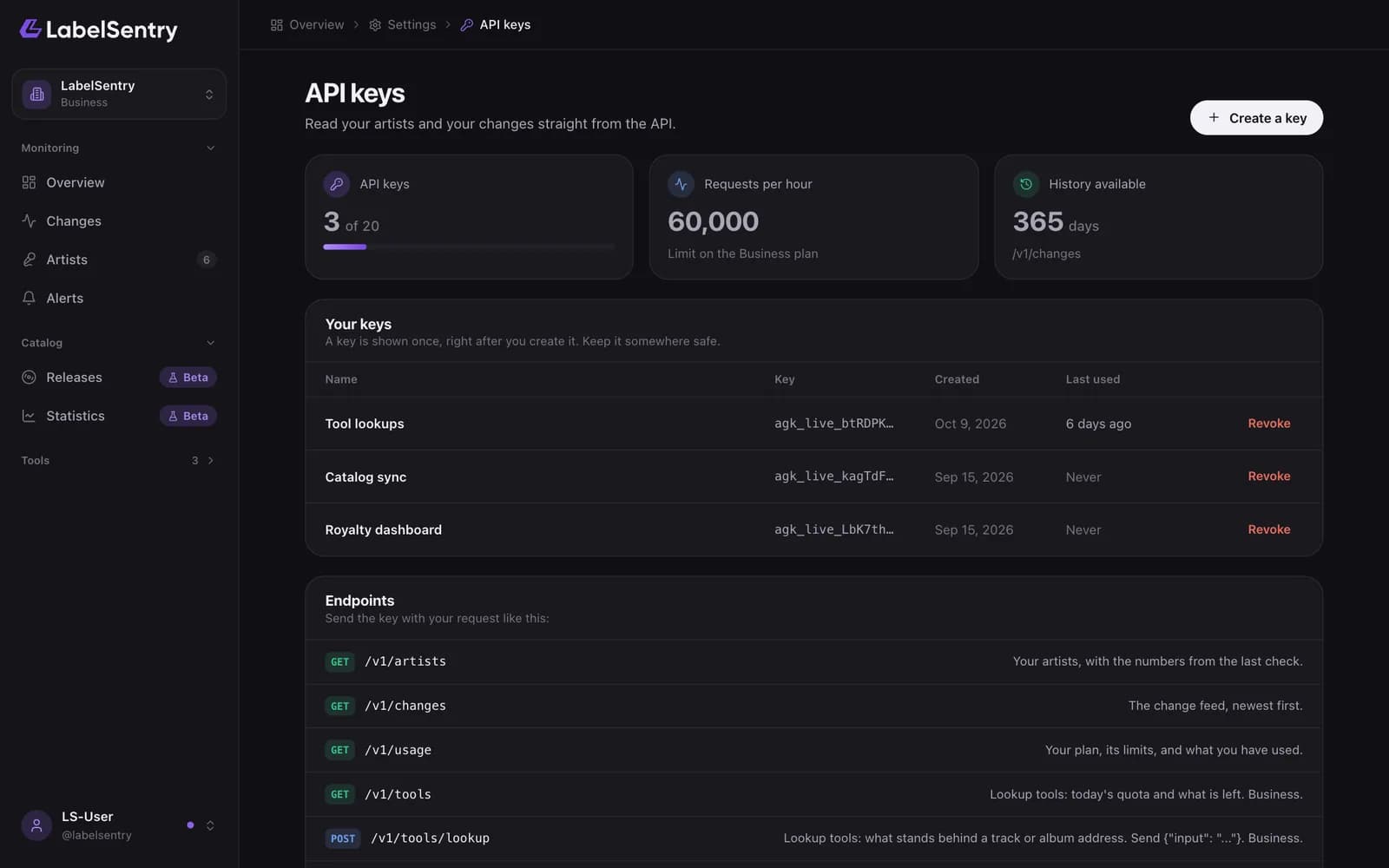
Open the menu under your name and choose API keys. Admins and owners can create them.
- Choose Create a key and give it a name, like "Royalty dashboard".
- Copy the key. It is shown once. We only keep a fingerprint of it.
- Use it as a bearer token. See The REST API.
Keys start with agk_live_. The list shows the first characters of each key and when it was last used. Revoke a key you no longer need; it stops working at once.
Each plan allows a number of keys: 1 up to Artist, 5 on Pro and 20 on Business.
Read next
The REST APIRead your artists, changes and usage from your own systems, and on Business use the tools. Authentication, rate limits, endpoints and examples.WebhooksOn Business, receive every change as a signed JSON request at your own address. The payload, the signature and retries.PlansWhat Free, Beginner, Artist, Pro and Business include: artists, seats, how often we check, history, alerts, API, Remi and more.
Still stuck? Write to [email protected].