A tour of the dashboard
Where everything is: the sidebar for daily work, the menu under your name for your account and organization, and language and theme at the foot of every page.
Updated October 17, 2026
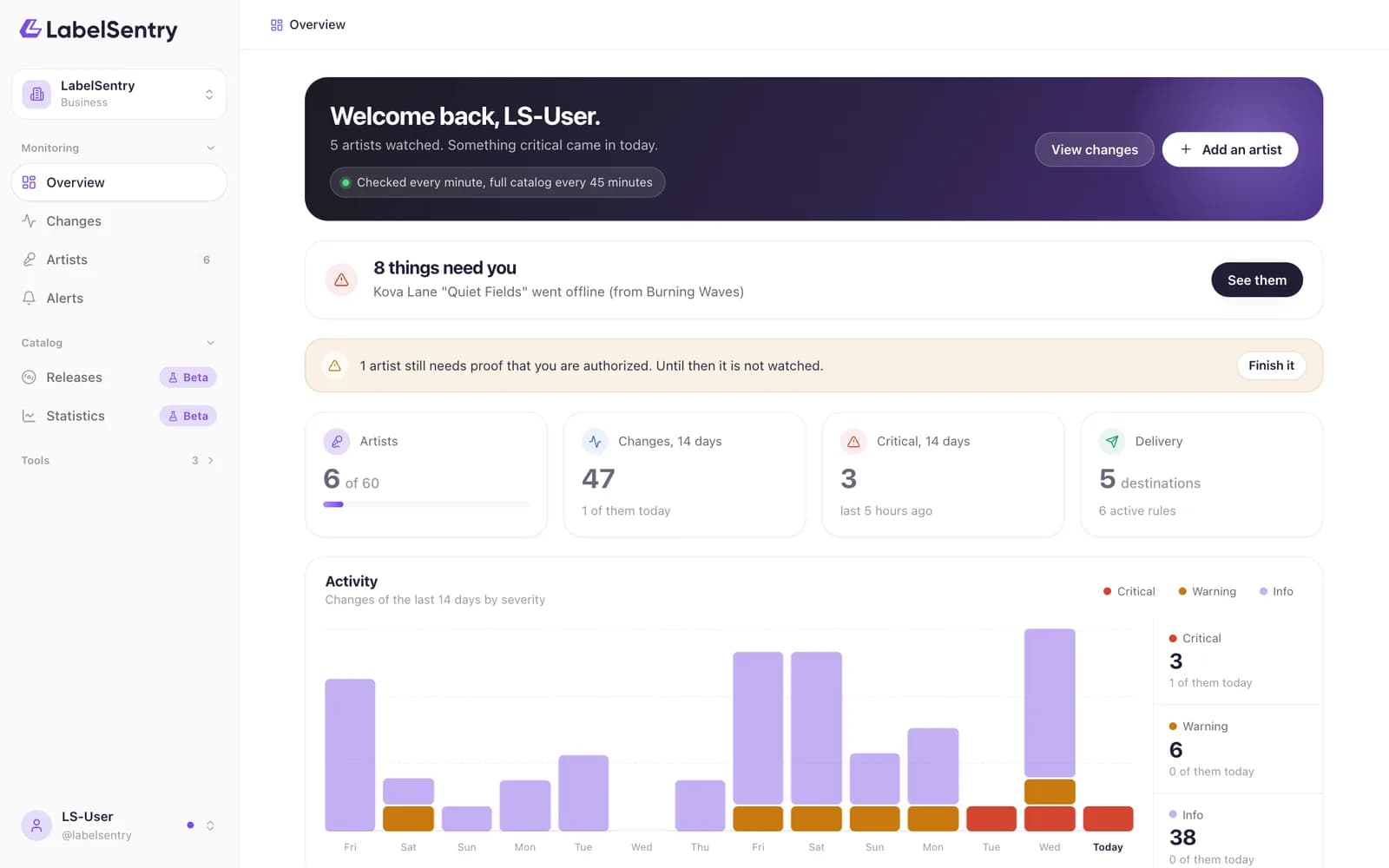
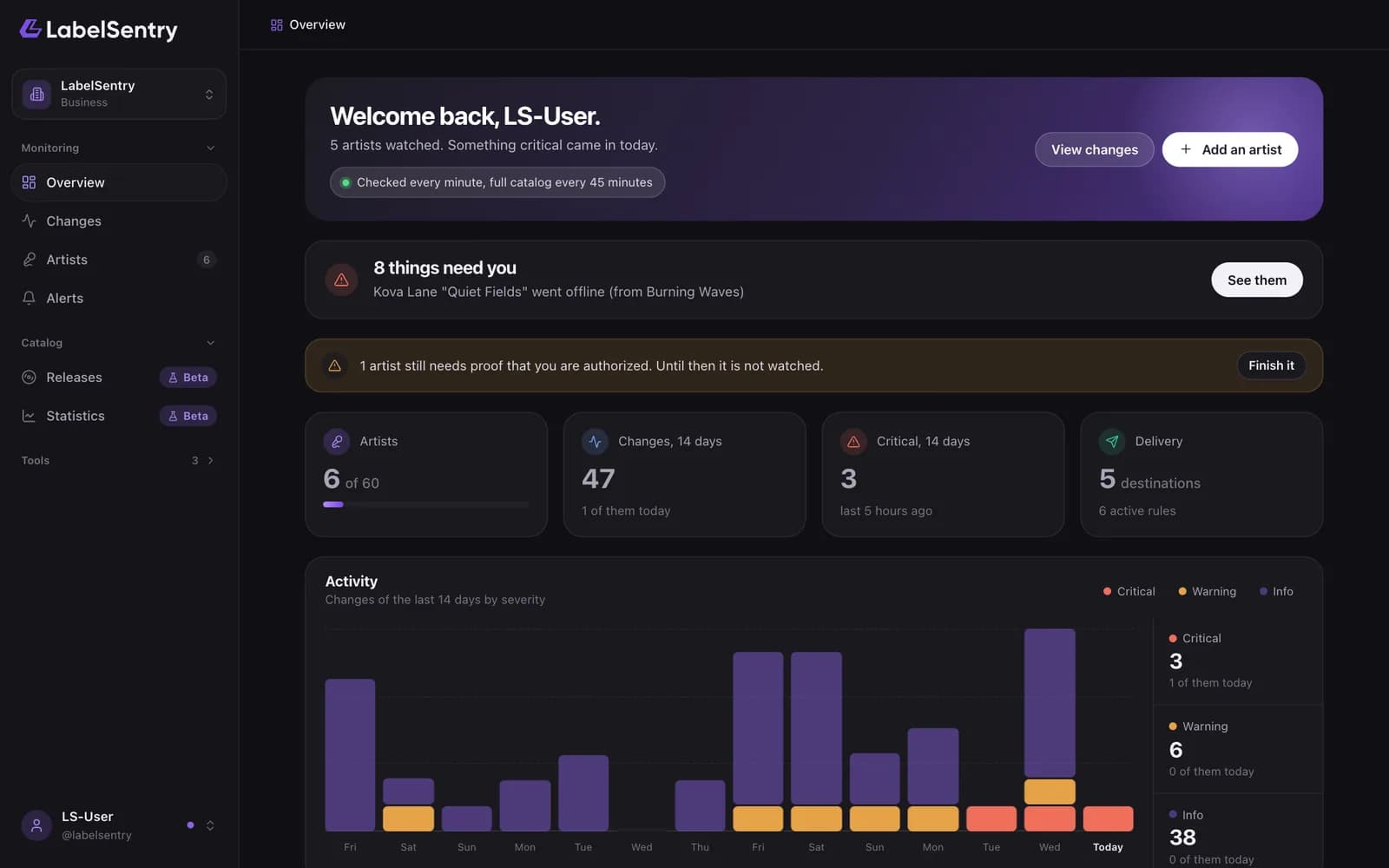
The sidebar
The sidebar holds the pages you work with every day.
- Overview. What happened lately, what needs you, and how your roster is doing.
- Changes. Everything we detected. See The changes list.
- Artists. Your roster. See The artist list.
- Alerts. Destinations and rules. See Destinations.
- Releases and Statistics, when your organization takes part in those betas.
- Tools. ISRC by Track, Track by ISRC and Metadata Lookup.
At the top of the sidebar you switch between organizations, if you belong to more than one.
The menu under your name
Your name at the bottom of the sidebar opens a menu with everything that is not daily work.
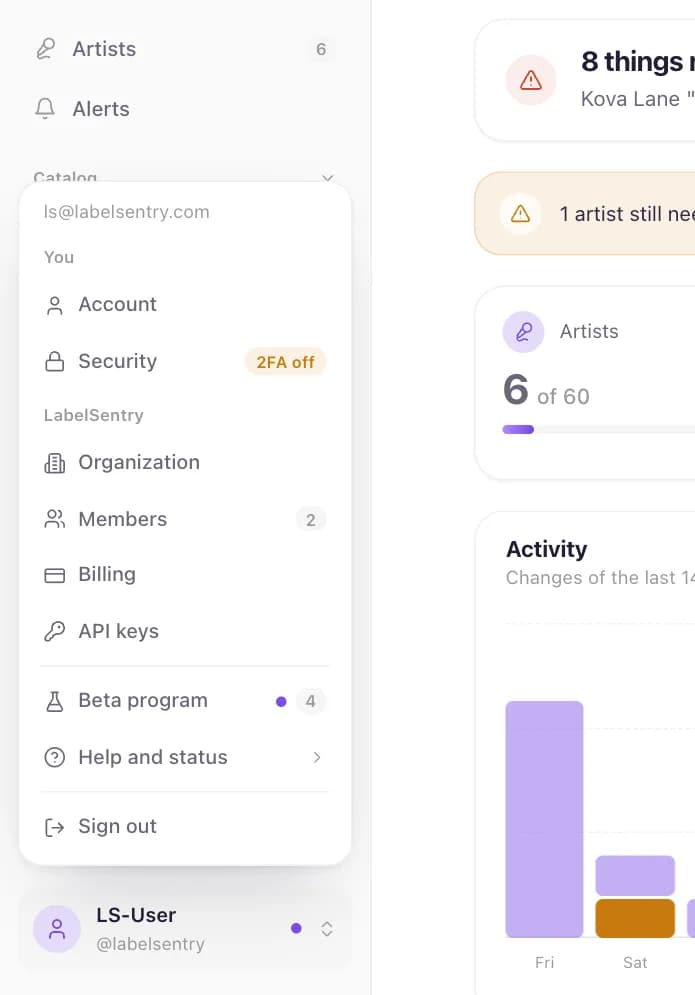
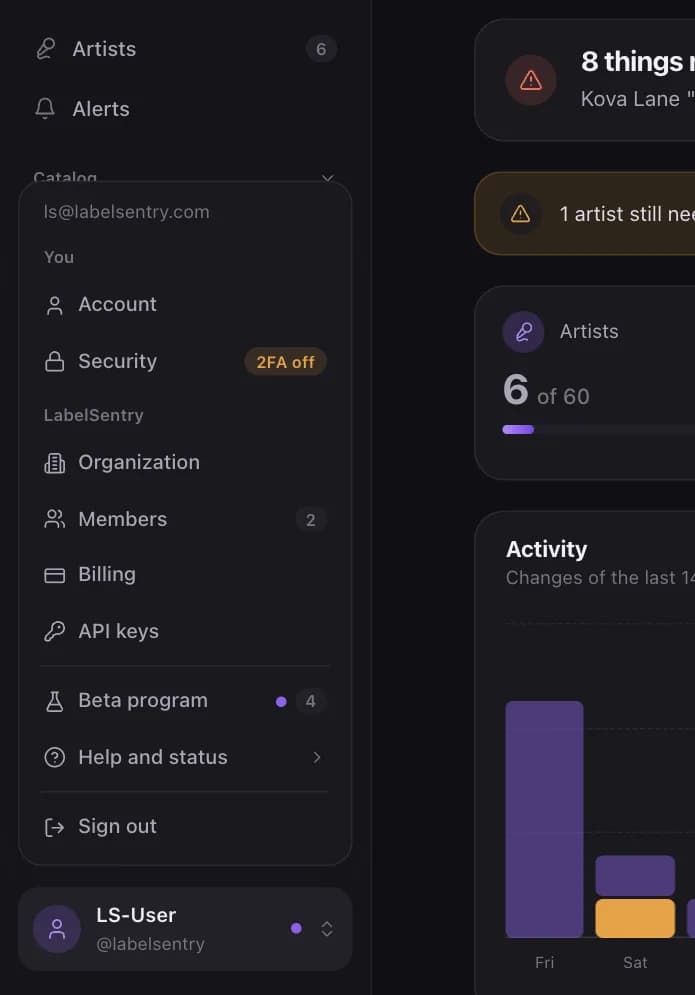
- You: Account and Security, with the state of your two-factor sign-in.
- Your organization: Organization, Members, Billing and API keys.
- Beta program, when your organization takes part in a beta.
- Help and status: the changelog, the system status and the cookie settings.
- Sign out.
Language and theme
At the foot of every page you choose the language and whether LabelSentry follows your system, or stays light or dark. The language also applies to the emails we send you.
Read next
What LabelSentry doesLabelSentry watches your artists' Spotify profiles around the clock and tells you when something changes, from a release going offline to a new label on a track.OrganizationsAn organization holds your artists, alerts, plan and team. How to rename it, switch between several and what belongs to it.Account settingsYour name, username, email address, language, product news and showcase consent.
Still stuck? Write to [email protected].