The artist list
Your roster at a glance: every artist as a card with its figures, what is left to do, and its own page with everything we know about it.
Updated October 17, 2026
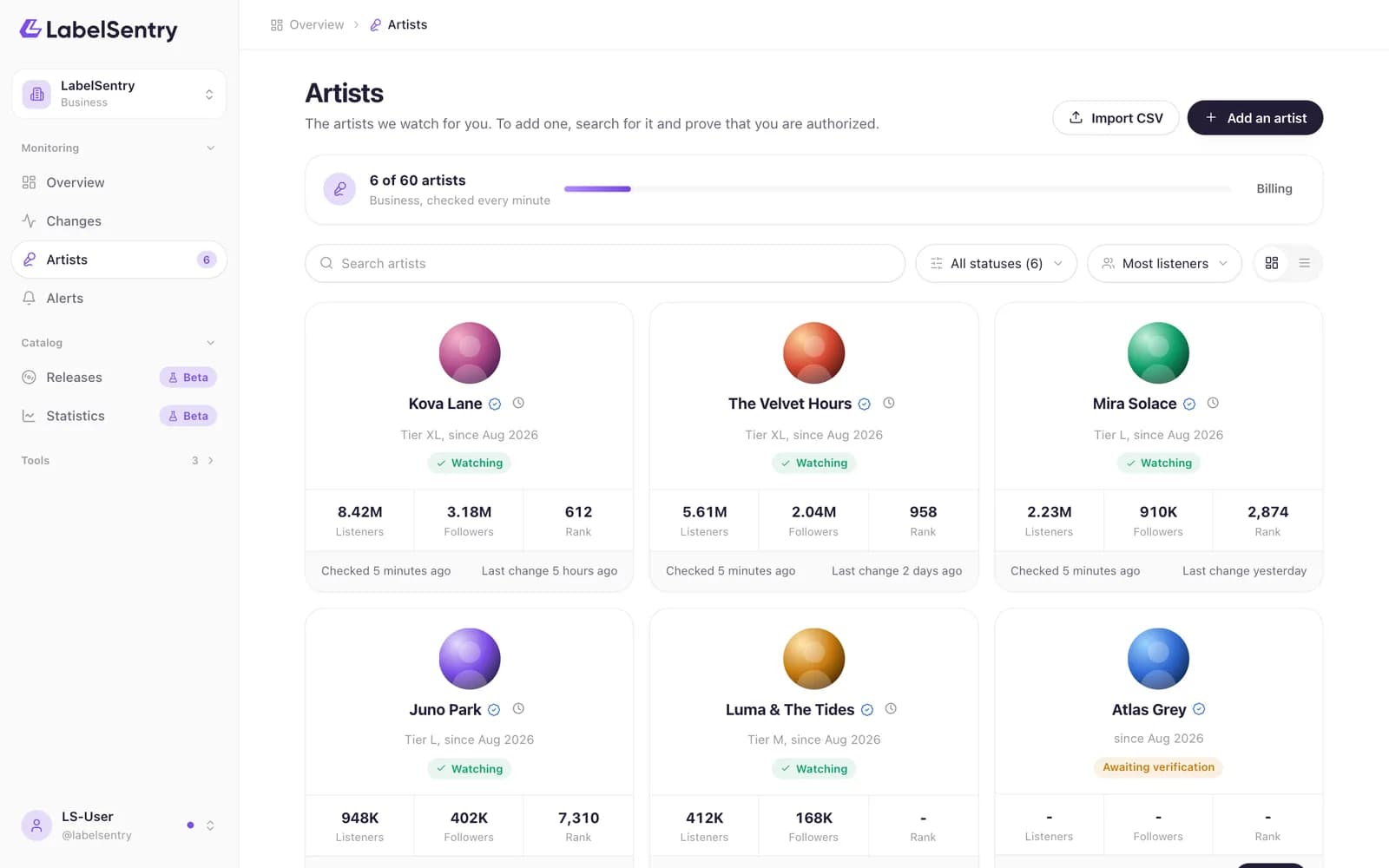
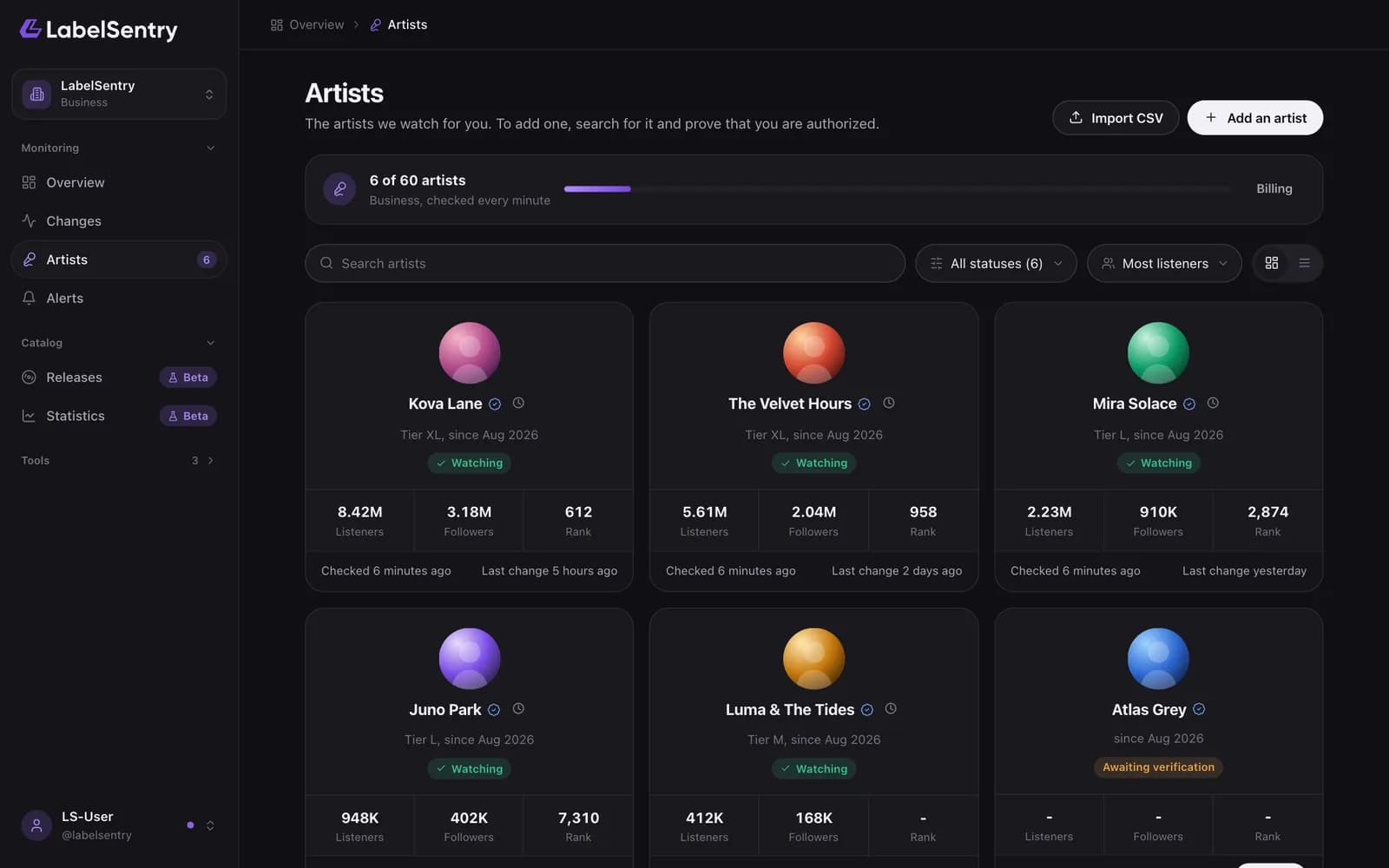
Every artist is a card of the same size with its picture, monthly listeners, followers, world rank, when it was last checked and when it last changed. Search, filter by state and sort above the list, or switch between cards and a table. The line above the list says how many artists you watch, how many your plan allows, and how often they are checked.
What the states mean
| State | What it means |
|---|---|
| Watching | Verified and checked on your plan's schedule. |
| Awaiting verification | Added, but not confirmed yet. Not watched until then. The card says "Not confirmed yet" with a Confirm button. |
| Our team asks for the code | Paused until the code is in the biography. See Verify an artist. |
| Paused | Your plan is full, or our support team paused it. It stays verified. |
When something is left to do, the card has a button for it. It opens a window with the next step, so the list itself stays calm.
The artist page
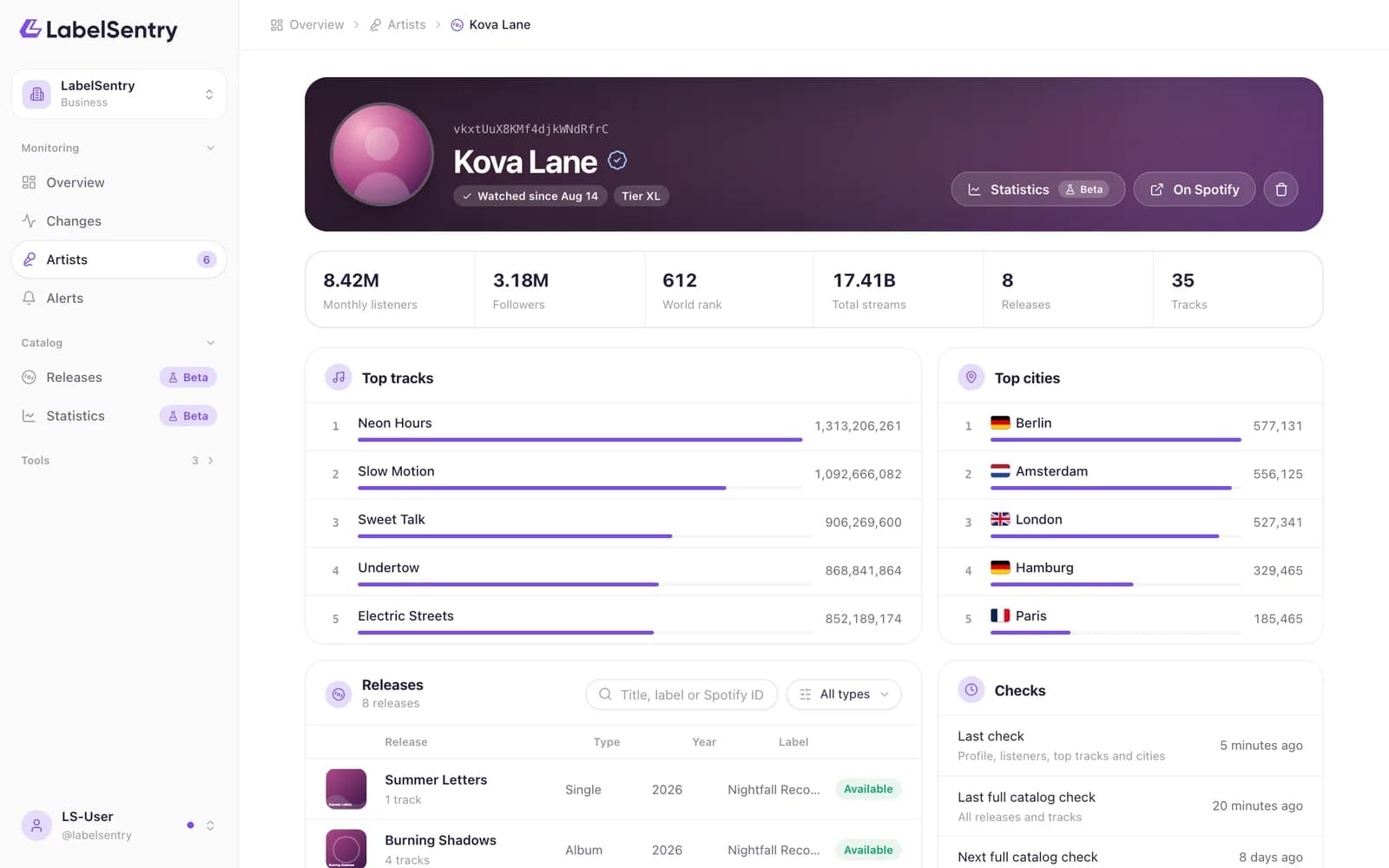
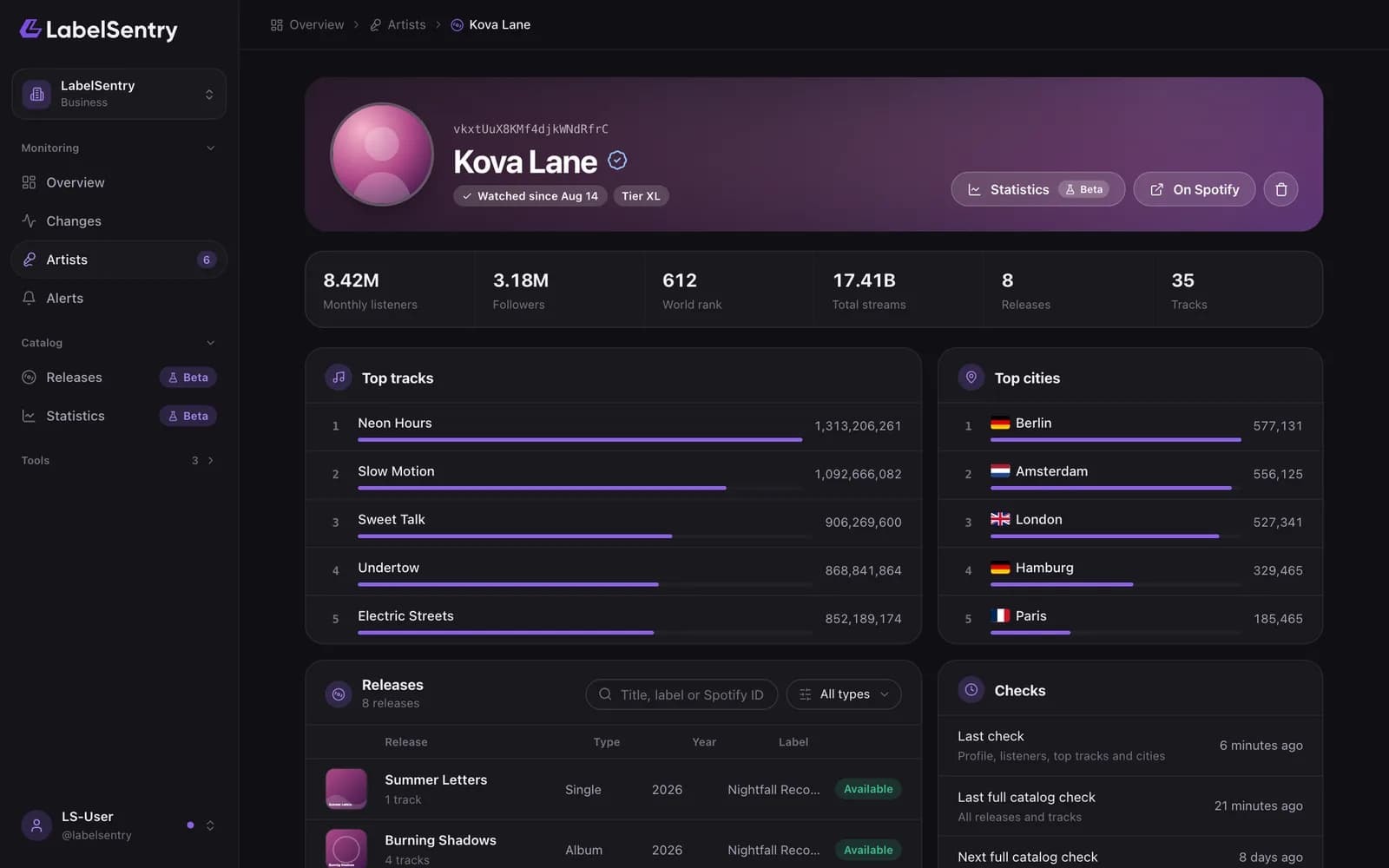
Choose a card to open the artist. At the top are its monthly listeners, followers, world rank, total streams, and how many releases and tracks we watch. Below that: its top tracks and top cities, every release with its type, year, label and whether it is available, and when it was last checked and when the next full catalog check is due.
Statistics opens the artist's trend, when your organization takes part in that beta. On Spotify opens the profile.
Remove an artist
On the artist's page, choose the bin icon at the top. Monitoring stops and the place in your plan is free again. Changes already found stay in your history until it runs out.
Read next
Still stuck? Write to [email protected].