Rules
Rules decide which changes go to which destination: from which level, which types and artists, and whether at once or in a digest.
Updated October 17, 2026
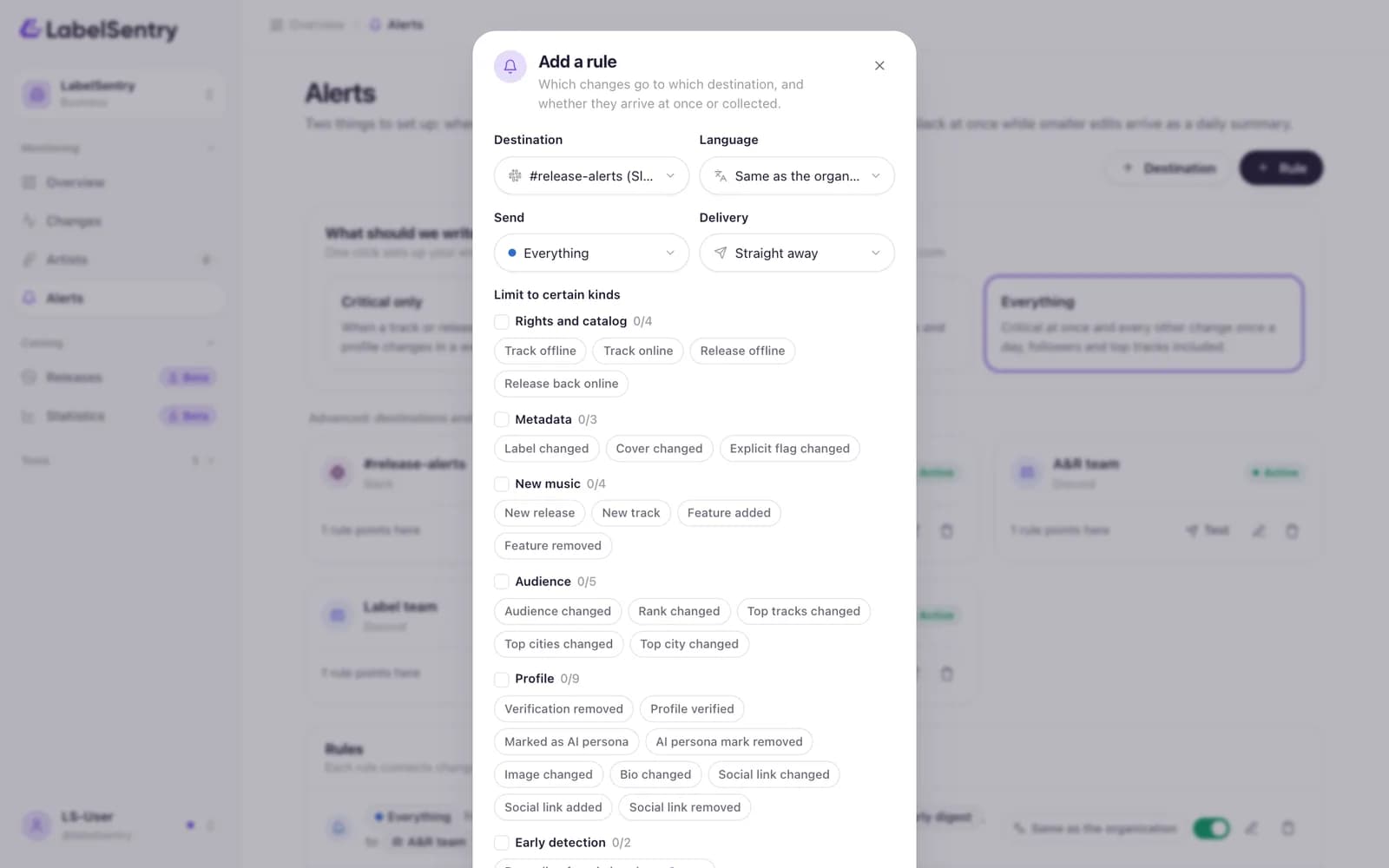
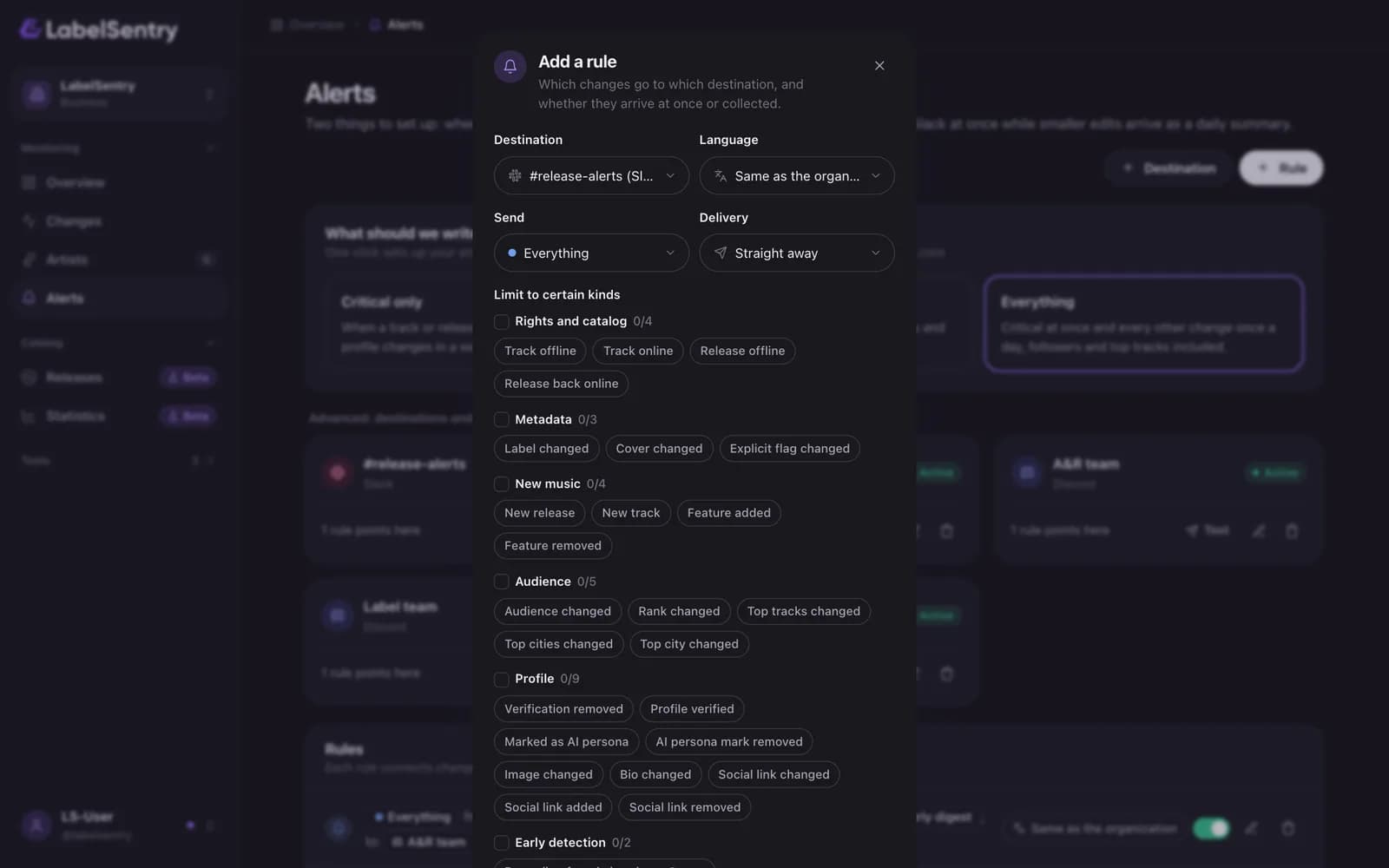
A rule connects changes to a destination. To add one, open Alerts and choose Rule. Every rule has:
- Destination. Where the alerts go.
- Language. The organization's language, or a fixed one for this destination, for example English for an international Slack channel.
- Send. Everything, warning and critical, or critical only. A rule always includes everything more important than the level you pick.
- Delivery. Straight away, as an hourly digest or as a daily digest. See Digests.
- Limit to certain kinds. Optional. Pick whole areas, like Rights and catalog, Metadata, New music, Audience, Profile and Early detection, or single change types within them.
- Artists. Optional. Only these artists instead of your whole roster.
Presets for your own email
The quickest start is one of three presets for your own address, offered during the first setup and at the top of the Alerts page under "What should we write to you about?":
| Preset | What you get |
|---|---|
| Critical only | When a track or release goes offline or your profile changes in a way that matters. |
| Everything important | Critical at once, plus new releases, credits and profile details once a day. |
| Everything | Critical at once and every other change once a day, followers and top tracks included. |
Choosing a preset sets up the destination and the rules for you. You can fine-tune them afterwards under "Advanced: destinations and rules".
Pause or remove
Pause stops a rule for a while without losing its settings. Remove deletes it. A destination with no active rule shows "No active rule points here", so you notice when nothing would arrive.
Examples
- A label sends critical changes of every artist to #release-alerts in Discord at once, and a daily digest of everything to the A&R team's email.
- A management sends only changes of its two biggest artists to the manager's email, straight away.
Read next
Still stuck? Write to [email protected].