Organizations
An organization holds your artists, alerts, plan and team. How to rename it, switch between several and what belongs to it.
Updated October 17, 2026
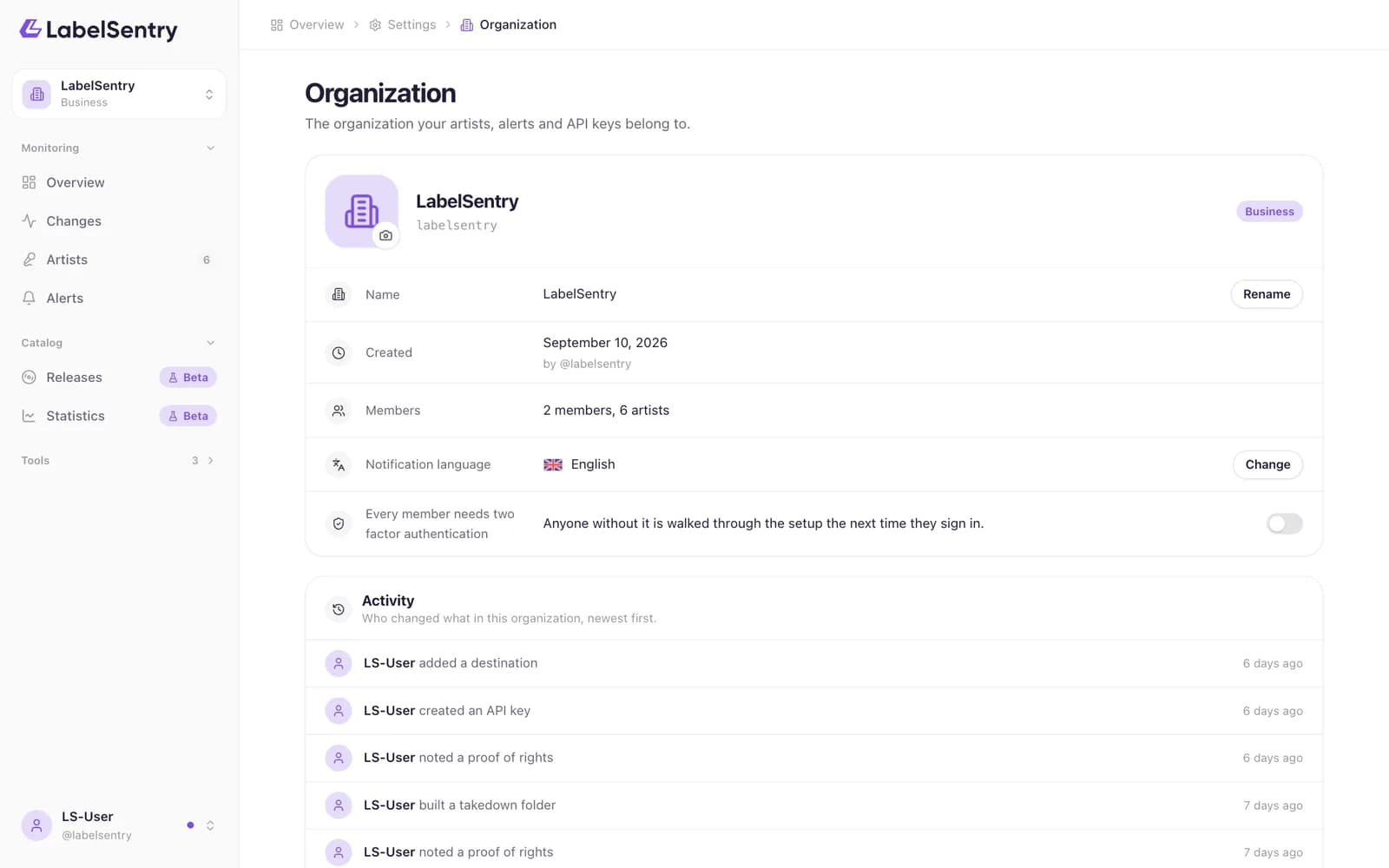
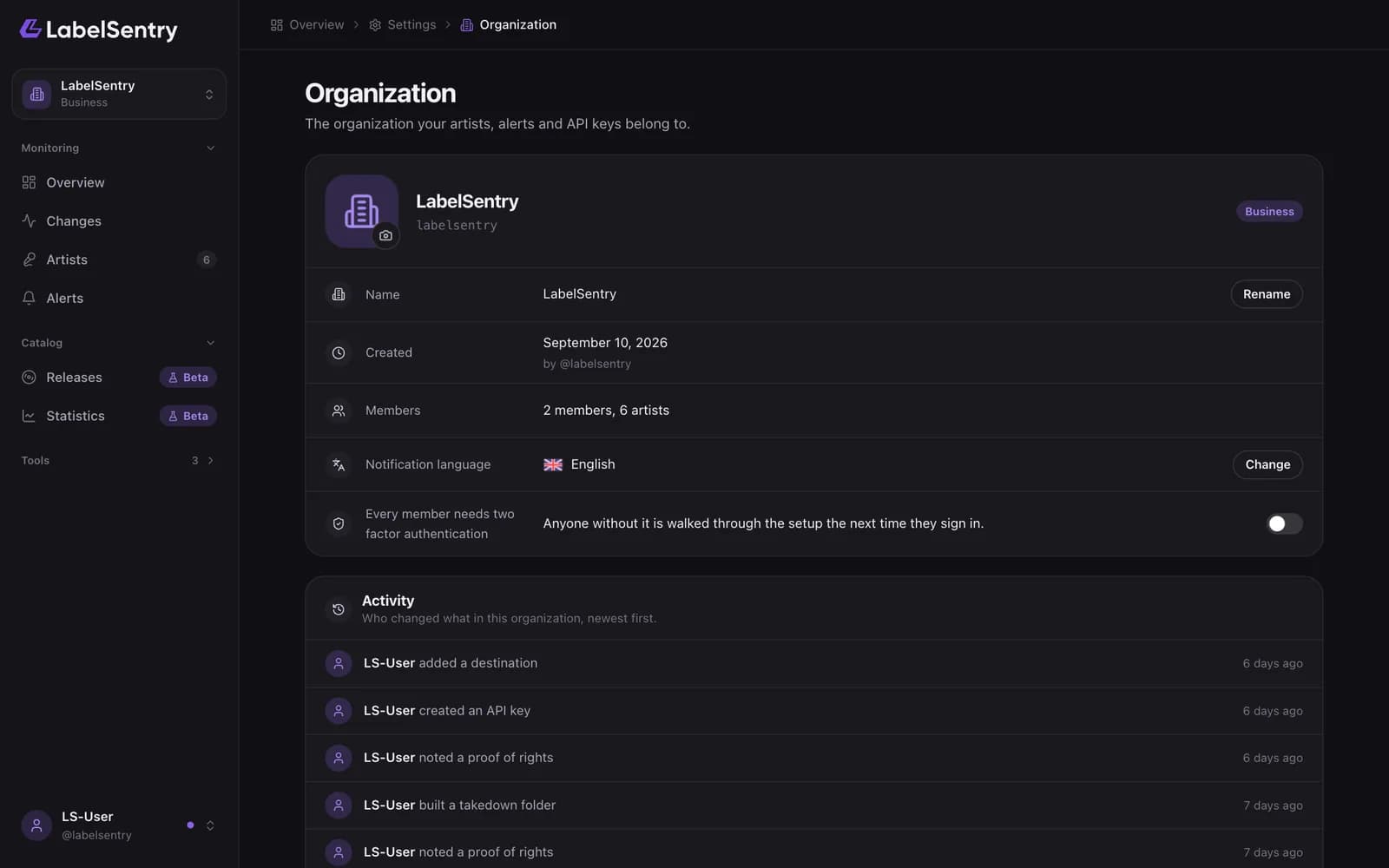
Everything in LabelSentry belongs to an organization: the artists, the changes, the destinations and rules, the plan and the members. Your account comes with one, named after your username at first.
Rename it
Open the menu under your name, choose Organization and change the name. It appears on alerts and invoices. The address of the organization stays the same.
Several organizations
You can be a member of several organizations, for example your own label and a client's. Switch at the top of the sidebar. Every organization has its own plan, artists and alerts.
Who owns it
Every organization has exactly one owner, who manages the plan and can delete the organization. The owner can hand ownership to another member.
Read next
Still stuck? Write to [email protected].