Add an artist
Search for an artist by name or paste a Spotify link. Below one million monthly listeners you confirm your rights with a tick, from one million on with a code in the biography.
Updated October 17, 2026
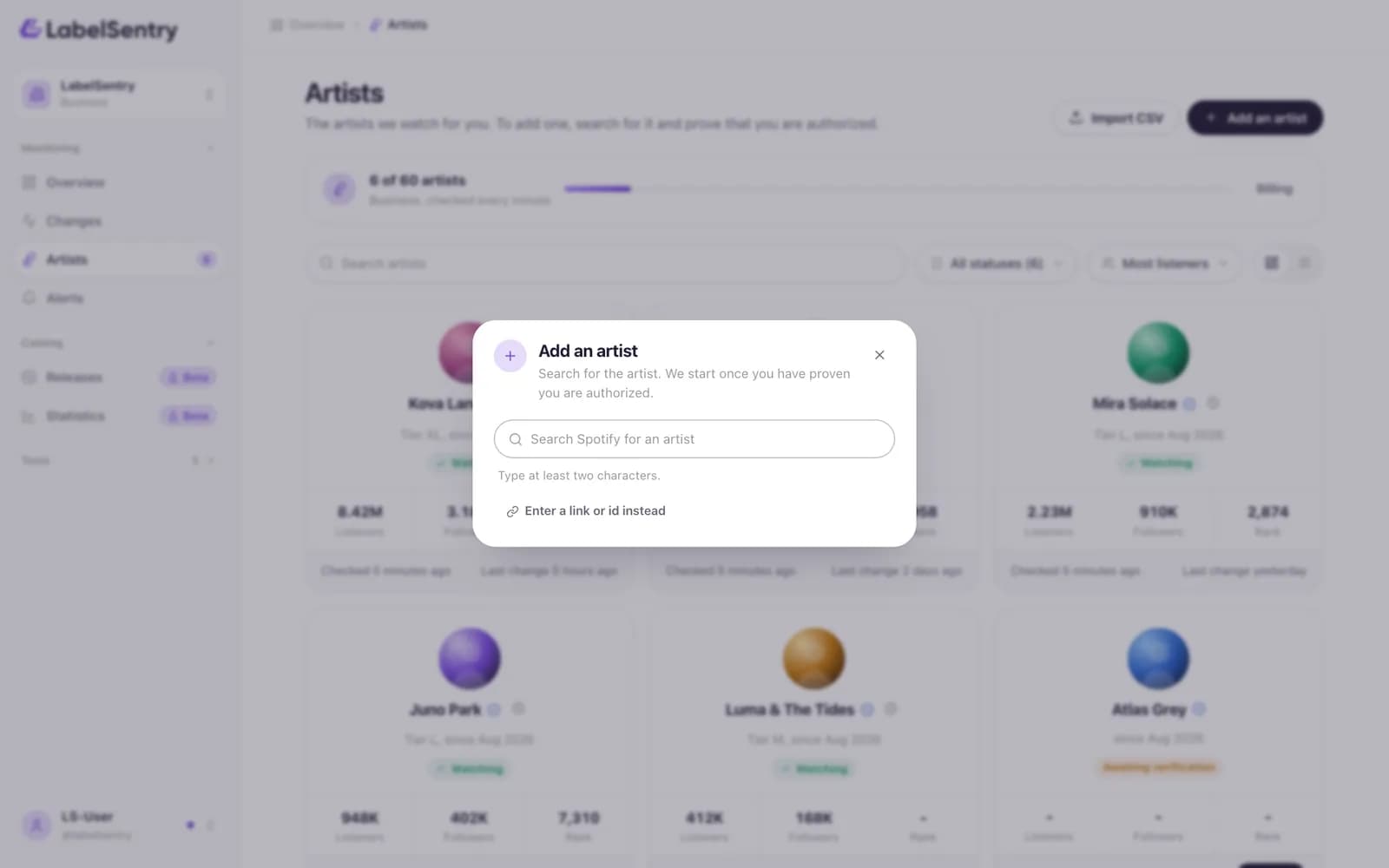
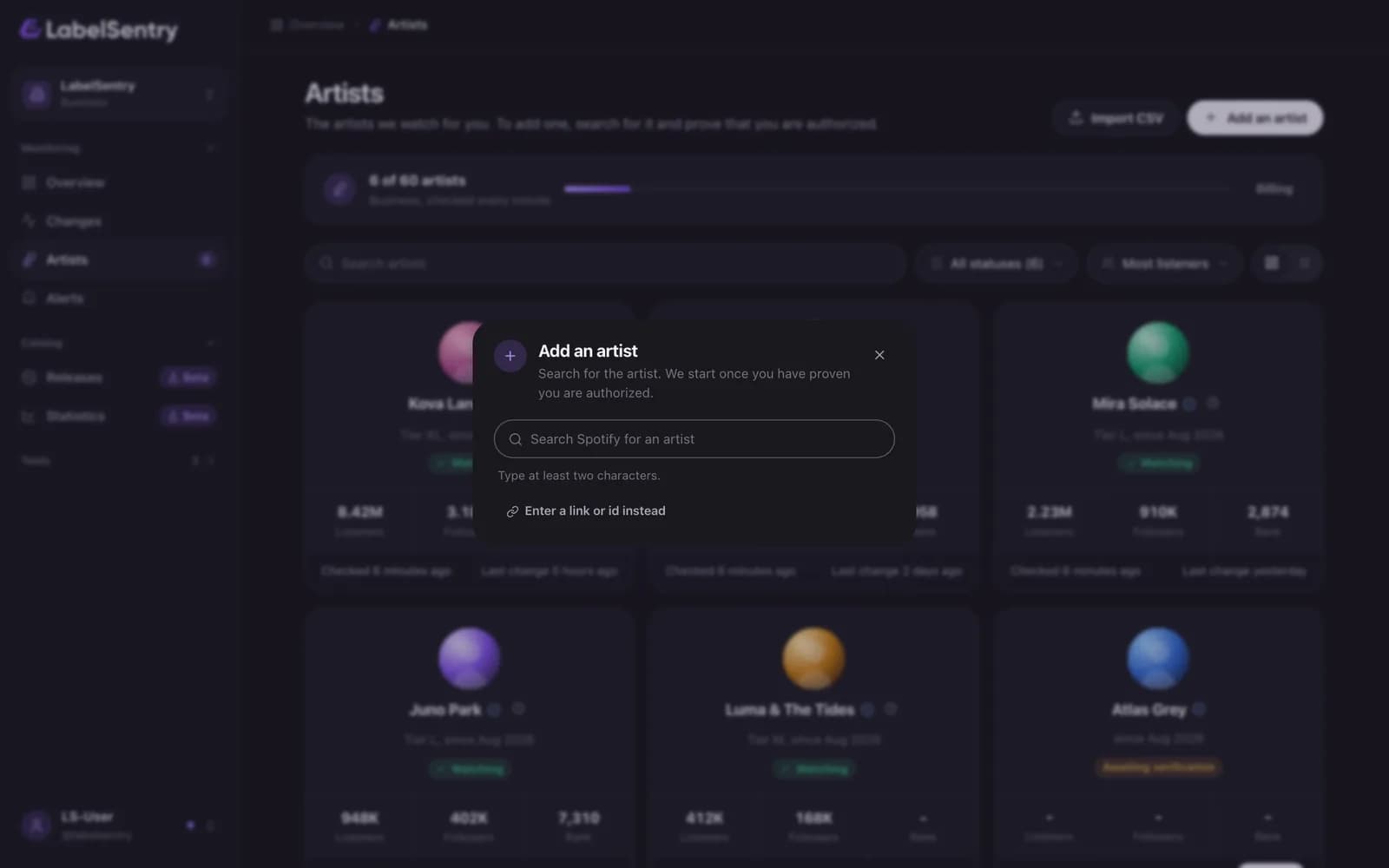
Add one
- Open Artists and choose Add an artist.
- Search by name, or choose Enter a link or id instead and paste the Spotify link, for example
open.spotify.com/artist/2aBcDeFgHiJkLmNoPqRsTu. - Pick the right profile. The list shows monthly listeners, followers and whether Spotify verified the profile, so you pick the one you mean.
- Confirm the rights, as below.
Confirm the rights
Every artist has to be confirmed before we watch it, so nobody can watch profiles that are not theirs.
- Below one million monthly listeners, tick that you are the artist or authorized by them, and choose Add and confirm. Monitoring starts at once.
- From one million on, you put a short code into the artist's Spotify biography. See Verify an artist.
How many you can add
Each plan watches a set number of artists: 1 on Free and Beginner, 3 on Artist, 15 on Pro and from 30 on Business. More can be added with an add-on of 5. See Plans.
When your plan is full, the newest artists are paused, not removed. They come back as soon as there is room and stay verified meanwhile.
Read next
Verify an artistHow confirming an artist works: a tick below one million monthly listeners, a code in the Spotify biography from one million on, and what happens when our team asks for the code.The artist listYour roster at a glance: every artist as a card with its figures, what is left to do, and its own page with everything we know about it.PlansWhat Free, Beginner, Artist, Pro and Business include: artists, seats, how often we check, history, alerts, API, Remi and more.
Still stuck? Write to [email protected].