Create an account
Sign up with only your email address, or with Google. The link in the email confirms your address and leads to the rest.
Updated October 17, 2026
Signing up takes your email address and a username. There is no password to choose unless you want one.
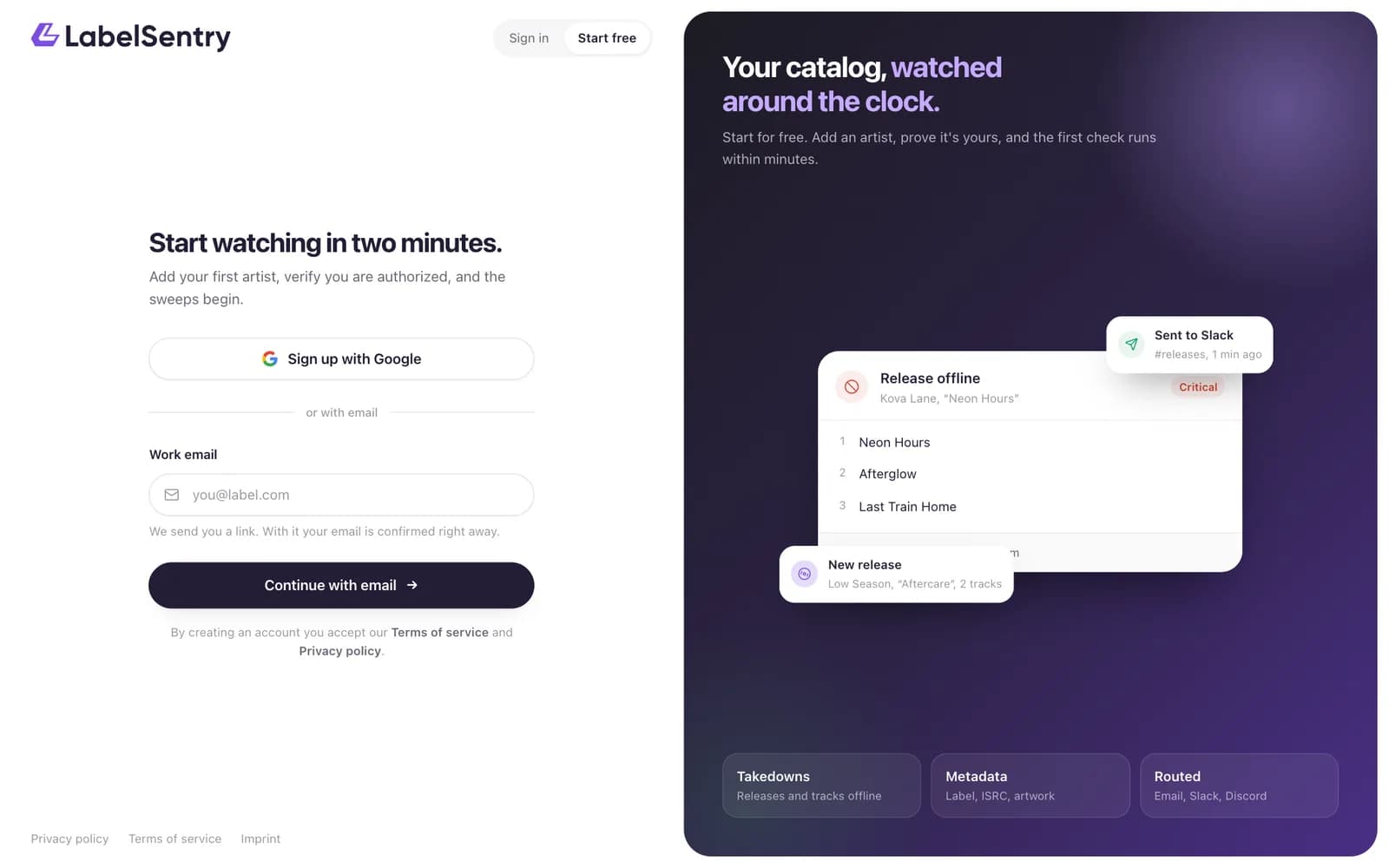
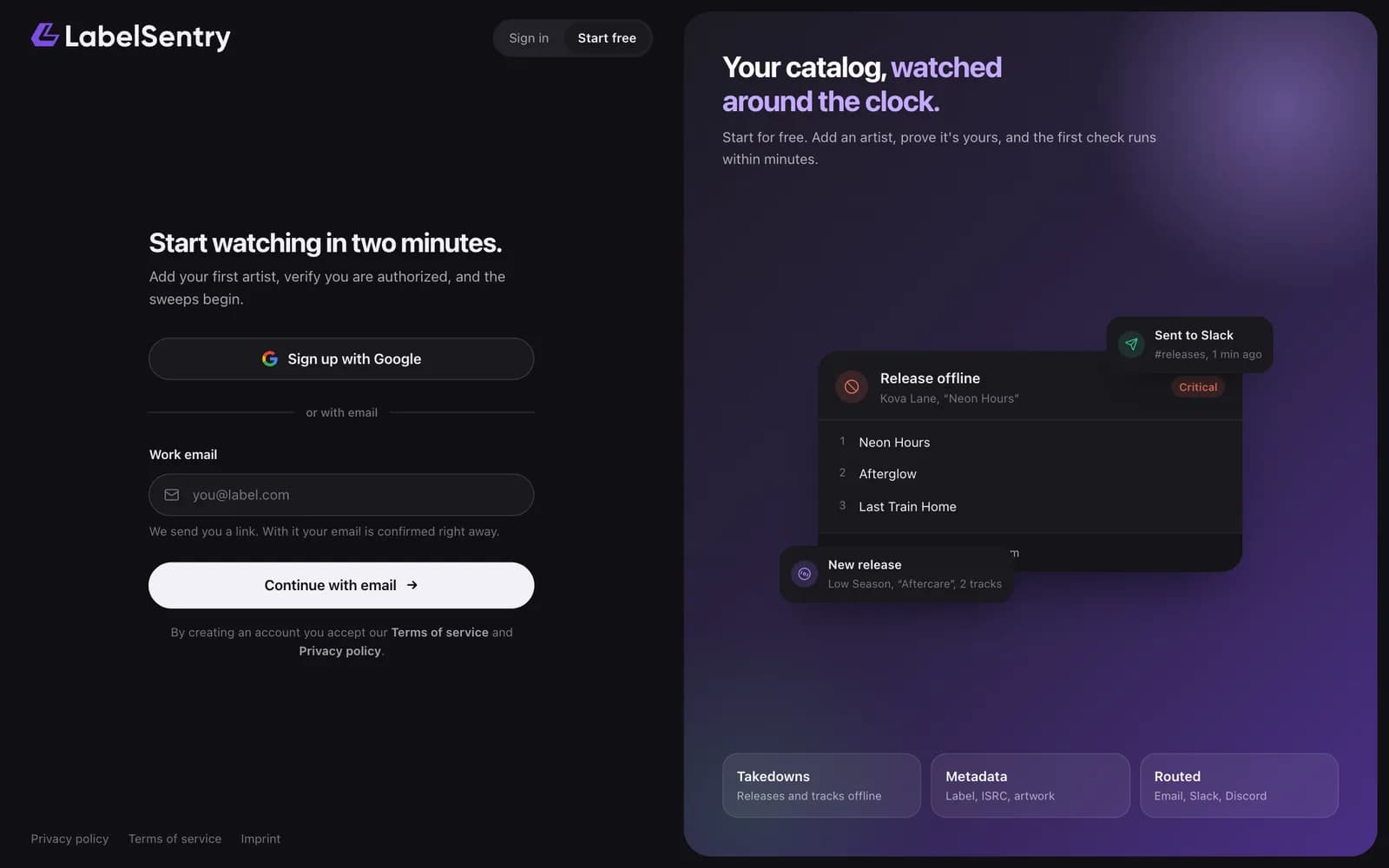
Sign up with your email
- Open LabelSentry.com and choose Start free.
- Enter your work email and choose Continue with email.
- Open the email we sent you and use the button in it. The link works for 24 hours.
- Choose a username. Your organization is named after it at first, you can rename it later.
- A password is optional. Without one, you sign in with a link by email. You can set one later under Security.
Opening the link also confirms your email address, so there is no second confirmation mail.
Sign up with Google
Choose Sign up with Google on the sign-up page. Your Google address becomes your account's address and is confirmed at once.
What happens next
Your account starts on the Free plan with its own organization. A short guided setup walks you through naming your organization, adding your first artist and choosing your alerts. See Your first minutes.
Read next
Sign inSign in with a link sent to your email, with your password, or with Google, GitHub or Discord. Two-factor sign-in is asked for after either.Your first minutesAfter signing up, a short guided setup names your organization, adds your first artist and sets up alerts.PlansWhat Free, Beginner, Artist, Pro and Business include: artists, seats, how often we check, history, alerts, API, Remi and more.
Still stuck? Write to [email protected].