Sign in
Sign in with a link sent to your email, with your password, or with Google, GitHub or Discord. Two-factor sign-in is asked for after either.
Updated October 17, 2026
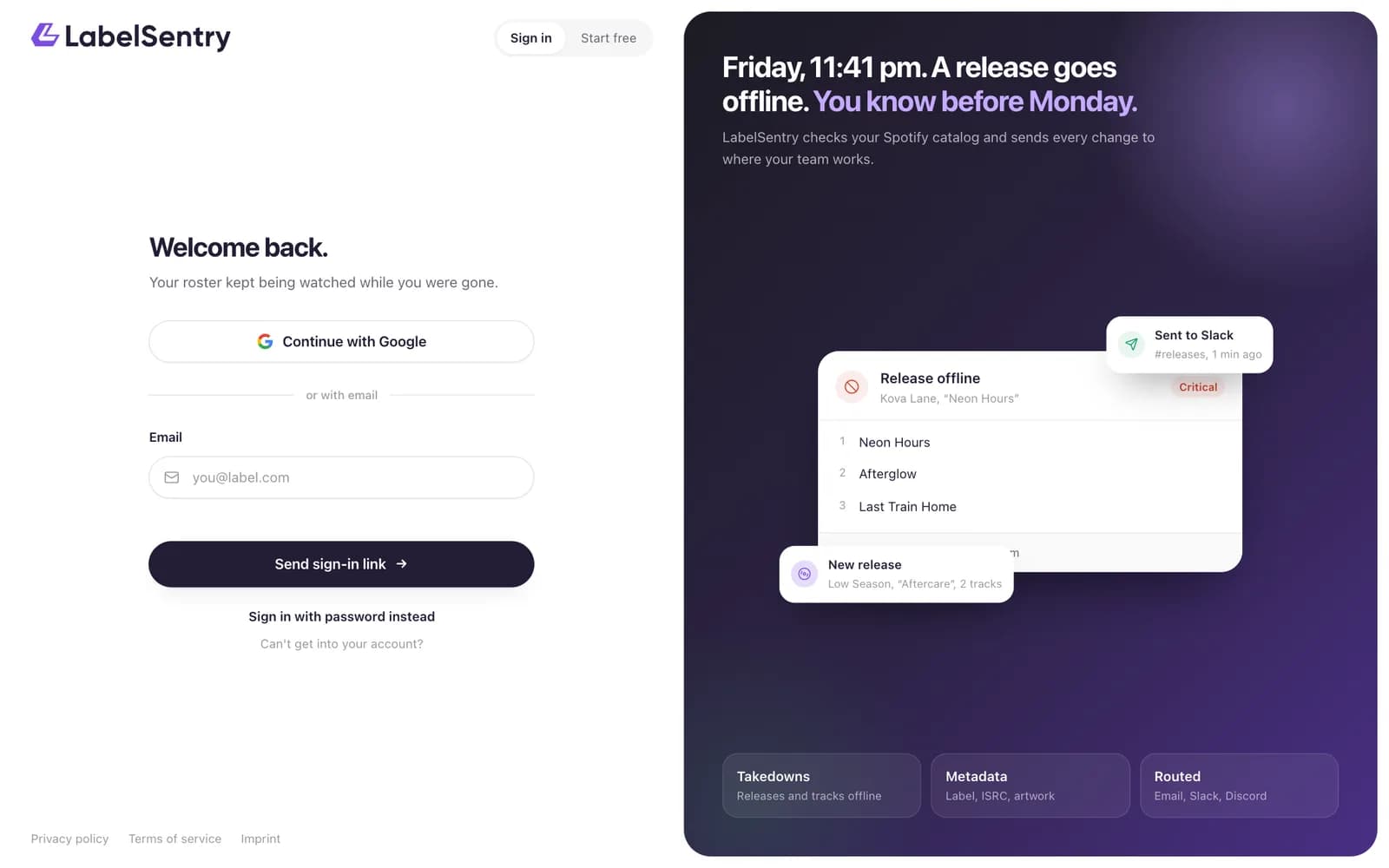
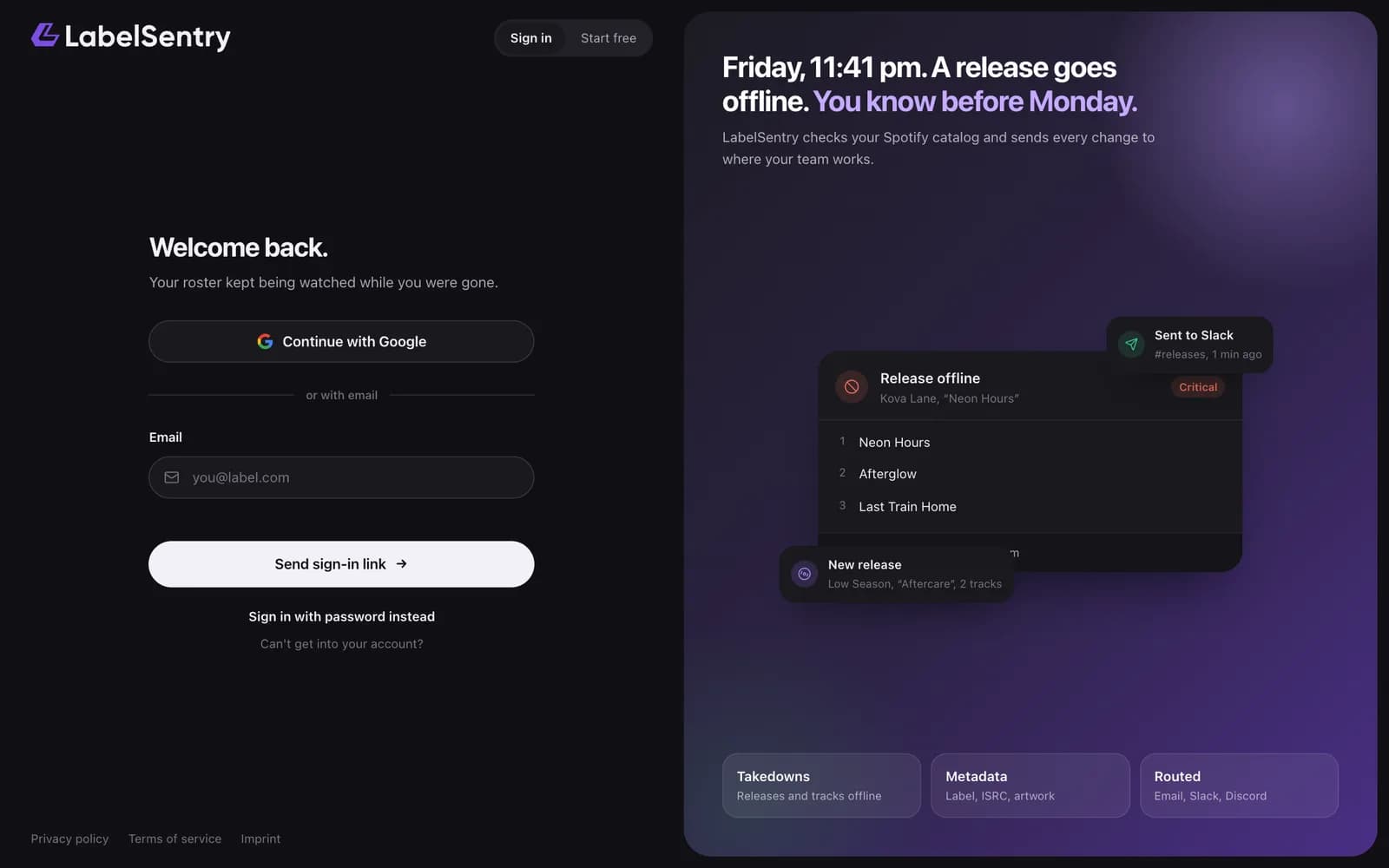
With a link by email
This is the usual way in.
- Enter your email address and choose Send sign-in link.
- Open the email and use the button. The link works once and for 15 minutes.
If the address has no account yet, the email contains a sign-up link instead. The page tells you the same thing either way, so nobody can find out which addresses have an account.
With your password
Choose Sign in with password instead below the form. Enter your email or your username and your password. Forgot it? Use Forgot password? next to the field.
With Google, GitHub or Discord
Choose the button for the provider. This works once the provider is linked to your account under Security. See Connected accounts.
Two-factor sign-in
If you turned on two-factor sign-in, LabelSentry asks for the six-digit code from your authenticator app after any of these ways. A recovery code works as well. See Two-factor sign-in.
Can't get in at all?
If neither the link nor a password reset reaches you, for example because your old email address no longer exists, use Recover your account.
Read next
Still stuck? Write to [email protected].