The changes list
Every change across your roster in one list. Filter by level, type and artist, mark changes as done one by one or in bulk, and open them again.
Updated October 17, 2026
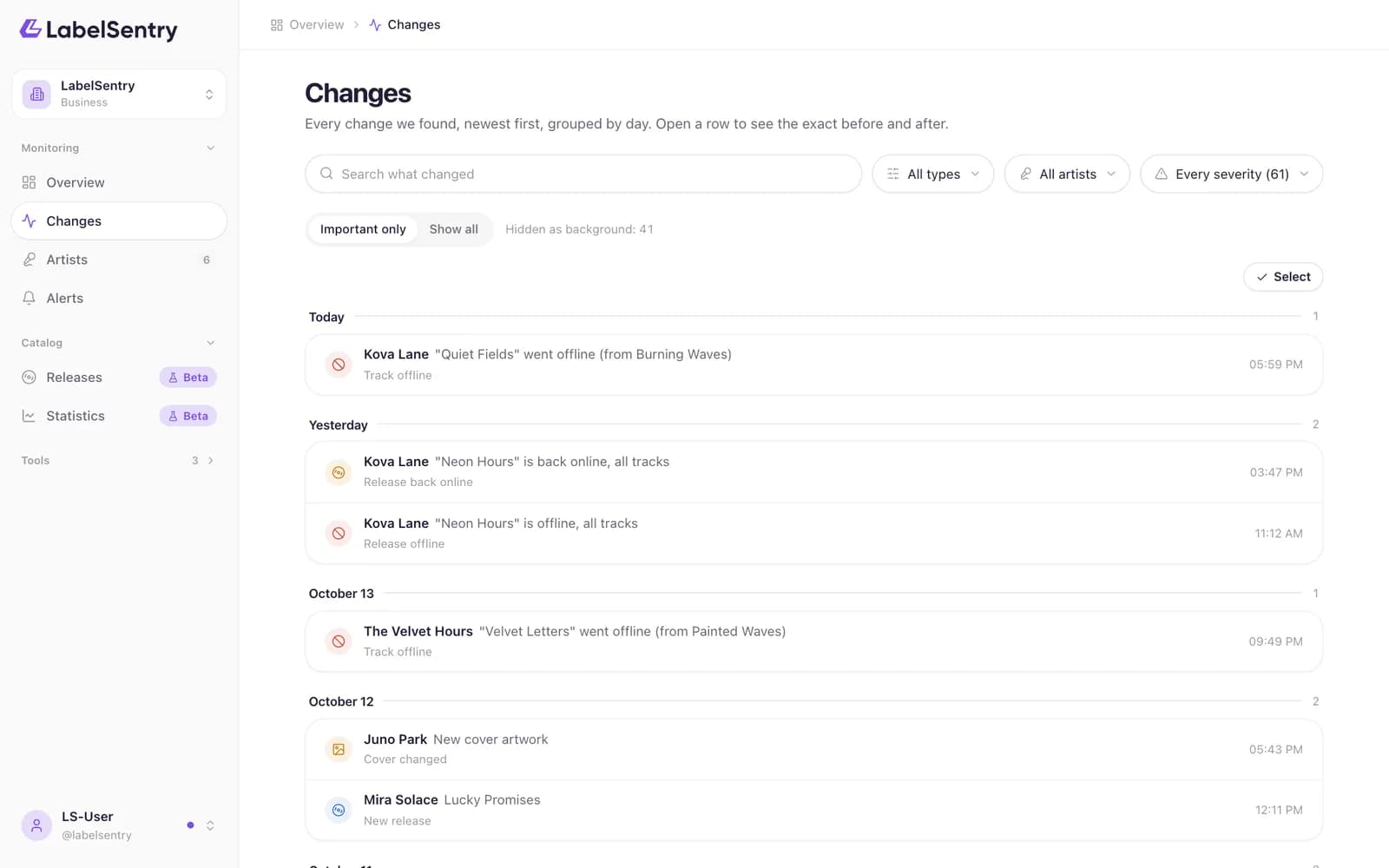
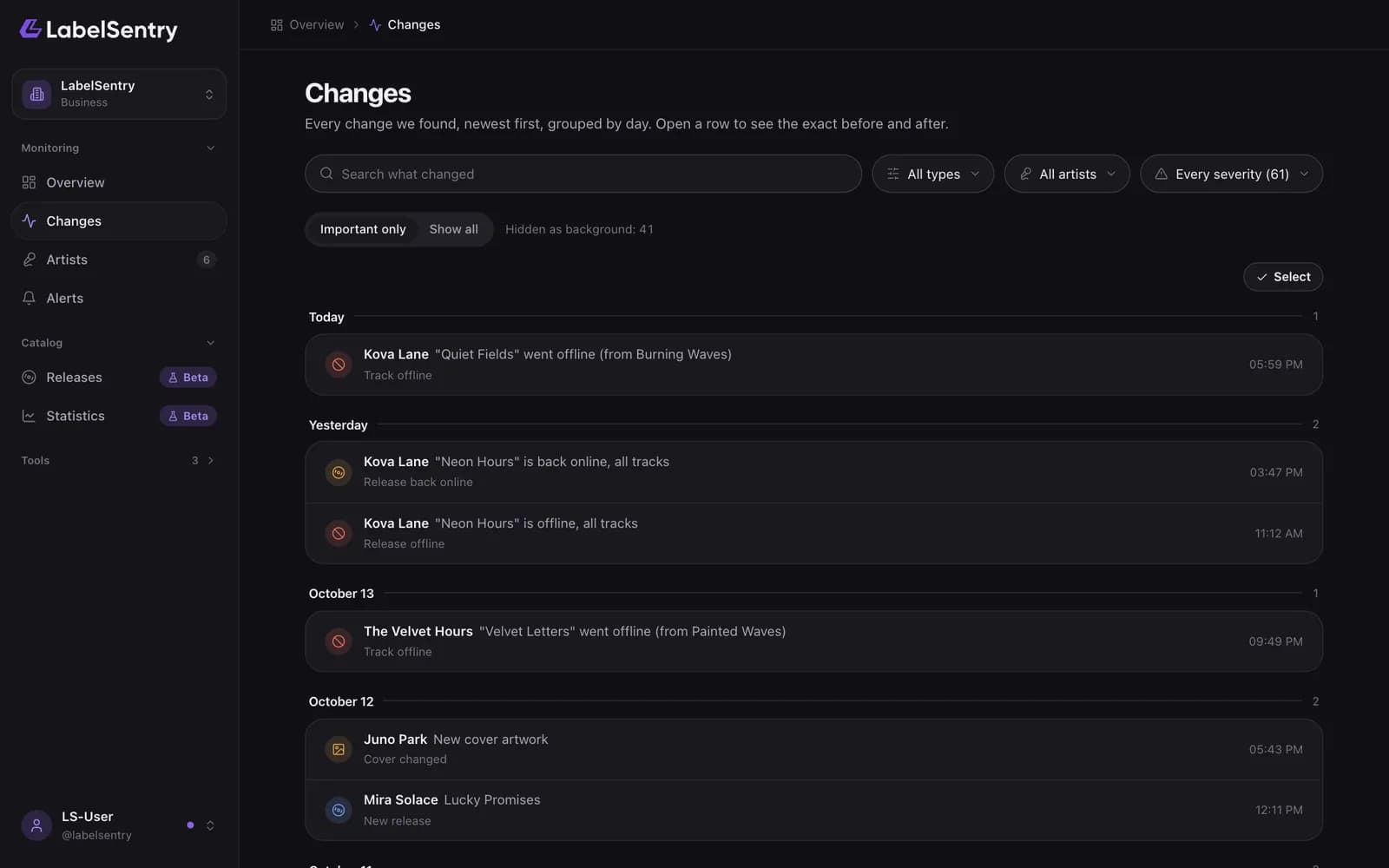
Changes lists everything we found, newest first and grouped by day. Each row shows the artist, what changed and when.
Important only or everything
By default the list shows Important only. Background changes, like followers or top cities moving, are counted in "Hidden as background" but kept out of the way. Show all includes them.
Search and filter
Search for a title or text in the box at the top. Narrow the list by change type, by artist and by severity.
Mark as done
When you have looked at a change, mark it as done. It leaves the open list but stays in your history.
To handle many at once, choose Select, tick the changes and choose Mark as done in the bar that appears. Open again brings changes back.
A change's own page
Choose a change to see it in full: before and after, the tracks it affects and links to Spotify.
How long changes are kept
As long as your plan's history: 14 days on Free, 30 on Beginner, 90 on Artist, 180 on Pro and a year on Business.
Read next
Still stuck? Write to [email protected].